 Engadget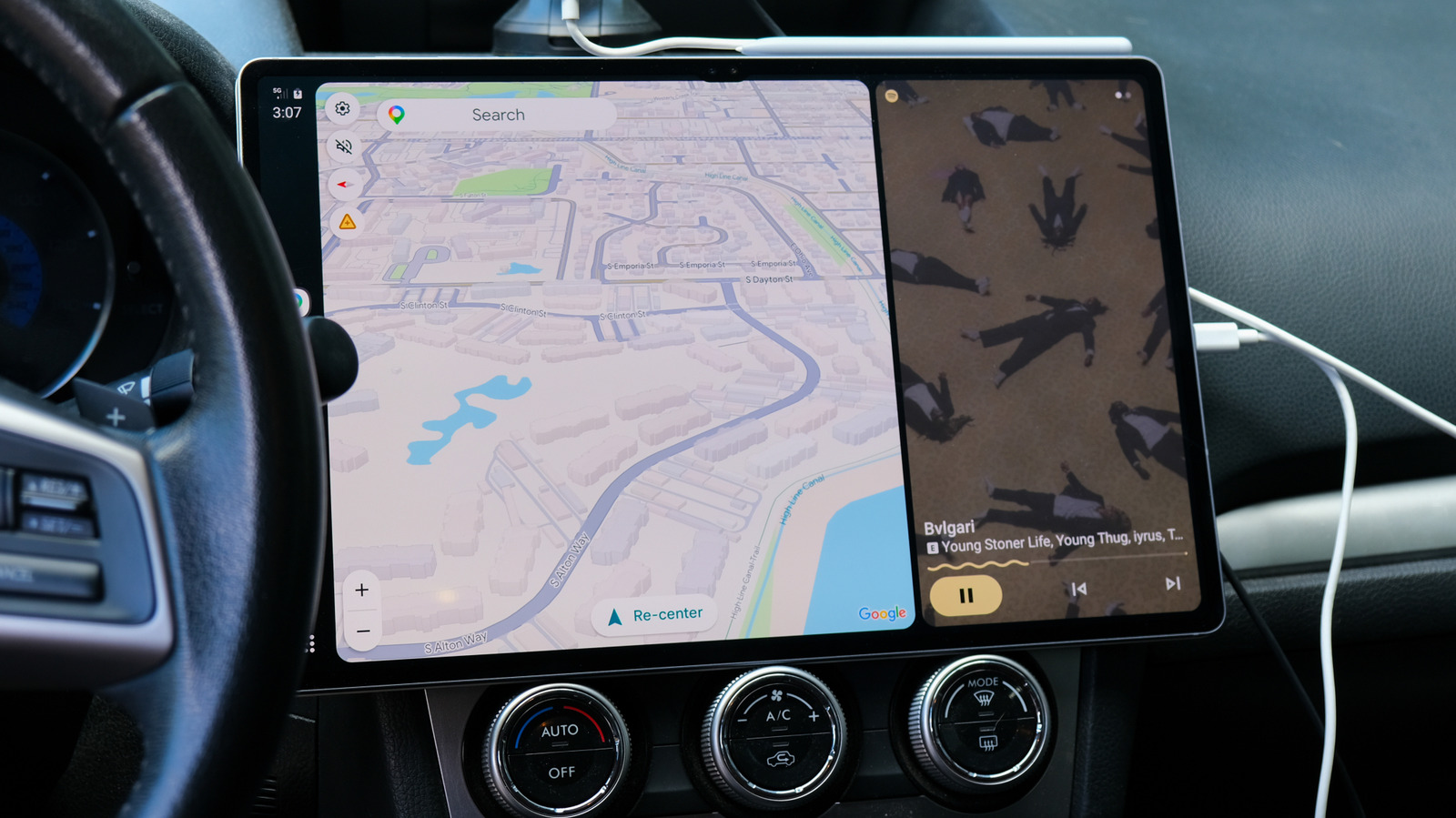
Android Auto will run right on your tablet's screen with the Open Headunit app.
When a tablet gets old, it can often become nothing more than an expensive coaster. That's doubly true of Android tablets, which run the gamut from premium to ultra-budget in quality. Once they can no longer run modern apps, Android tablets have few paths forward.
But one use for an Android tablet is as a head unit for Android Auto, using it to control your phone, navigate and play media on the go.
Android Auto is a service that connects your phone with your car and displays a driving-friendly version of Android on your car's touchscreen infotainment system. If you're relying on a regular Bluetooth connection to your phone for navigation and entertainment, putting a tablet in your car as an Android Auto interface could be an upgrade.
Getting the Open Headunit app running needs some fiddling. It allows multiple connection types — USB, Wi-Fi, Bluetooth and running Android Auto directly on-device if your tablet supports it — and you'll need to do some experimenting to figure out which plays nice with your combination of hardware. Additionally, you'll need to connect the tablet to your car's audio system to play music or other media through it.
Open Headunit has a handy built-in configuration tool that will walk you through all the settings and adjust them to work with your setup. Gemini in Android Auto is supported, too.
If your car's stock head unit has quirks that make it aggravating to replace, Open Headunit is a decent way to avoid that experience altogether.