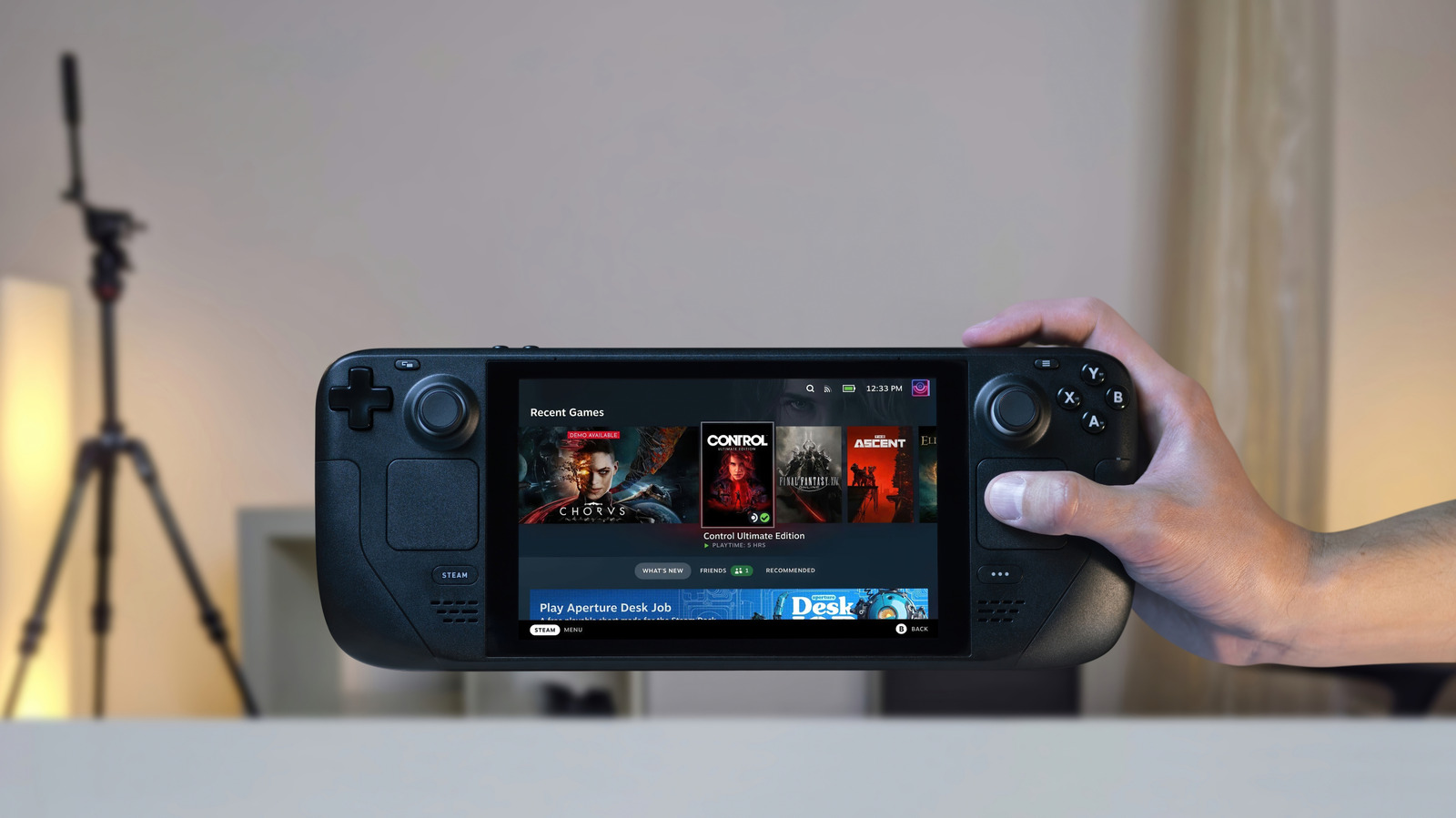
The Steam Deck is nothing short of a gaming handheld, but like any other computer, it can work today and suddenly start malfunctioning the next day.
You can factory reset your Steam Deck from the Settings menu.
You can trigger a factory reset using your console without needing a computer or USB drive.
Your Steam Deck will begin preparing the device for the reset, and after that it'll wipe your device.
Lastly, in the case that you're just preparing your Steam Deck for a new owner, toggle off Reinstall SteamOS.
5 sentences from our version of the report,
chosen to cover it. Nothing here is written; every line is in the article below.
How
Summarized version
You can factory reset your Steam Deck from the Settings menu. Your Steam Deck will begin preparing the device for the reset, and after that it'll wipe your device.
The report’s most important sentence, shortened and in plain words. How
Headline check
The one thing this headline claims is in the report.
Figures, names and quoted words in the headline, looked for in the report itself — not in the summary above. One claim in this headline could be checked, so this is a narrow pass and not a thorough one. How this is checked
The article, shortened and in plain language
There are a couple of ways to go about it.
The Steam Deck is nothing short of a gaming handheld, but like any other computer, it can work today and suddenly start malfunctioning the next day. Most times a system restart gets the device back in working shape. Other times, it takes a not-so-simple factory reset to get things back in order.
You can factory reset your Steam Deck from the Settings menu. If your unit no longer powers on normally, you can reset it from recovery mode instead.
You can trigger a factory reset using your console without needing a computer or USB drive.
Press the Steam button to open the main menu.
Your Steam Deck will begin preparing the device for the reset, and after that it'll wipe your device. The process takes around 10-15 minutes depending on how much data you have stored.
Resetting your Steam Deck will erase everything saved to your internal storage and take the device back to the state it was in out of the box. Lastly, in the case that you're just preparing your Steam Deck for a new owner, toggle off Reinstall SteamOS.
If you want to roll back your Steam Deck to a previous version, you can do it from the same SteamOS menu.
Your Steam Deck will restart into the previous version of SteamOS while retaining all your user data.
Shortened to 1 minute
of reading, this version reads 10.4 on the Niral Score.
You are reading our version, not theirs.
This is Engadget's report shortened to its most important sentences, in plainer words, with
verdicts and loaded words taken out. Plain description stays, and so do adjectives
that carry a fact, such as "former" or "federal". The reporting, the facts and the quotations
are theirs — quotations are never edited — and the indicators beside it measure
this version. Hover or tap Adjectives to see every one left in the text.
How this outlet filed it, and how we rewrote it
No other newsroom we read has filed on this event, so there is nothing to compare it with yet.
Readers can ask a question about this story here.
Questions and answers are for subscribers.
Sign in
to read them.
Comments are read before they appear where anything in them needs a person to look.
Nothing posted here is ever deleted; a comment taken down keeps its text and the reason,
so the decision can be looked at again. How this works
 Engadget