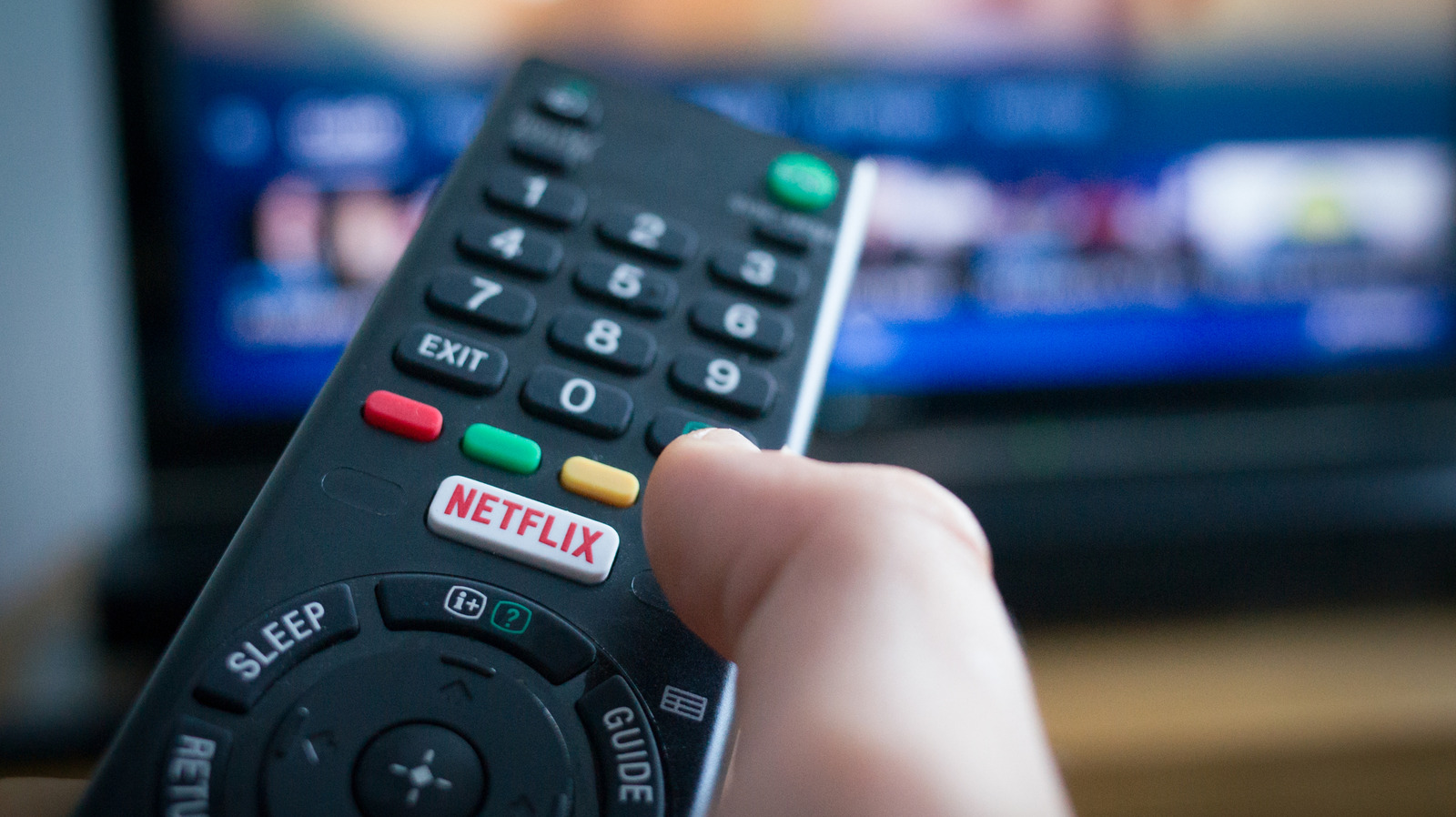
The most frustrating part of it all is that the issue pops up at random.
The good news is that fixing the problem doesn't need changing any of your sound equipment or even trying to reach Netflix tech support.
Netflix automatically defaults to the highest-quality audio stream supported by your connected devices.
In such situations, the TV attempts to send that surround track down to two speakers, resulting in audio that sounds quieter and less clear.
You're going to want to start with the easiest and most effective fix — opening the Audio and Subtitles menu at the bottom of the Netflix player and switching your audio track from the surround version to the standard version.
5 sentences from our version of the report,
chosen to cover it. Nothing here is written; every line is in the article below.
How
Summarized version
One show might sound just fine. You're going to want to start with the easiest and most effective fix — opening the Audio and Subtitles menu at the bottom of the Netflix player and switching your audio track from the surround version to the standard version.
Headline check
The one thing this headline claims is in the report.
Figures, names and quoted words in the headline, looked for in the report itself — not in the summary above. One claim in this headline could be checked, so this is a narrow pass and not a thorough one. How this is checked
The article, shortened and in plain language
It comes down to a mismatch between the audio format Netflix sends and the speakers that play it.
The most frustrating part of it all is that the issue pops up at random. One show might sound just fine, while another will have you straining your ears to figure out what they're even saying without you changing the setup or touching the settings.
The good news is that fixing the problem doesn't need changing any of your sound equipment or even trying to reach Netflix tech support. More often than not, the solution to your Netflix muffled audio is a quick setting adjustment that'll take a minute of your time.
Netflix automatically defaults to the highest-quality audio stream supported by your connected devices. If your setup supports surround sound, then Netflix will send a 5.1 or Dolby Atmos track rather than standard stereo. In such situations, the TV attempts to send that surround track down to two speakers, resulting in audio that sounds quieter and less clear.
None of this means that something's broken, but the issues do reflect a compatibility problem between the audio Netflix is sending and what your equipment can receive.
You're going to want to start with the easiest and most effective fix — opening the Audio and Subtitles menu at the bottom of the Netflix player and switching your audio track from the surround version to the standard version.
Shortened to 1 minute
of reading, this version reads 14.7 on the Niral Score.
You are reading our version, not theirs.
This is Engadget's report shortened to its most important sentences, in plainer words, with
verdicts and loaded words taken out. Plain description stays, and so do adjectives
that carry a fact, such as "former" or "federal". The reporting, the facts and the quotations
are theirs — quotations are never edited — and the indicators beside it measure
this version. Hover or tap Adjectives to see every one left in the text.
How this outlet filed it, and how we rewrote it
No other newsroom we read has filed on this event, so there is nothing to compare it with yet.
Readers can ask a question about this story here.
Questions and answers are for subscribers.
Sign in
to read them.
Comments are read before they appear where anything in them needs a person to look.
Nothing posted here is ever deleted; a comment taken down keeps its text and the reason,
so the decision can be looked at again. How this works
 Engadget