
Subscribe Sign in

How to improve your router's security in 10 minutes

Engadget
1 min read Rewritten in plain language

Cybersecurity

Show what we removed
  • Sometimes all it takes is to tweak some default settings.
  • To begin, while using a computer connected to your home network, type your router's IP address into your browser's address bar; this is often 192.168.1.1 or 192.168.0.1 but can differ.
  • Every router is different, so the exact menu places and names of these options may differ for you.
  • On an ASUS router, the admin login settings are located at Administration > System, under the Router Account box.
  • Some devices won't work with WPA-3; the most secure option is keeping WPA-3 enabled and avoiding those devices.

5 sentences from our version of the report, chosen to cover it. Nothing here is written; every line is in the article below. How

Headline check

The one thing this headline claims is in the report.

Figures, names and quoted words in the headline, looked for in the report itself — not in the summary above. One claim in this headline could be checked, so this is a narrow pass and not a thorough one. How this is checked

Sometimes all it takes is to tweak some default settings.

You might not have thought much about configuring your router beyond the initial setup, as long as your Wi-Fi isn't too slow and works properly.

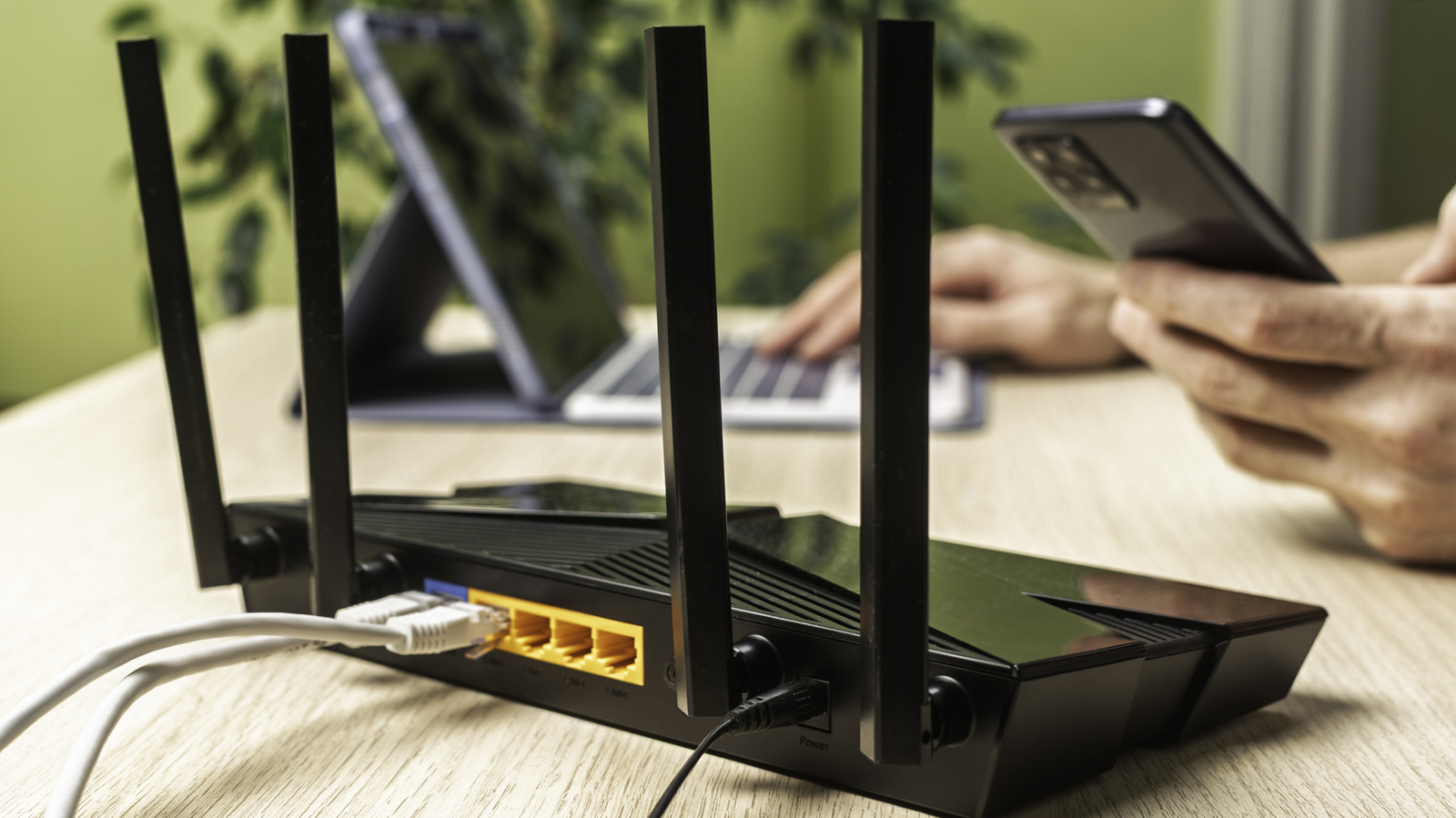
To begin, while using a computer connected to your home network, type your router's IP address into your browser's address bar; this is often 192.168.1.1 or 192.168.0.1 but can differ.

The credentials to log into the admin panel are not the same as what you use to connect devices to Wi-Fi. Every router is different, so the exact menu places and names of these options may differ for you. The examples below are for an ASUS router.

Many routers use the model name as their SSID, which gives potential attackers more information to find possible weaknesses in your unit.

On an ASUS router, the admin login settings are located at Administration > System, under the Router Account box.

While you're here, make sure your network security is set to the strongest standard available, which is now WPA3-Personal. Some devices won't work with WPA-3; the most secure option is keeping WPA-3 enabled and avoiding those devices.

Most routers have the option to create a second network for guests, which is a great security tool.

ASUS routers even support creating multiple guest networks, so you could have one for friends, a second for kids, and a third for smart devices.

WPS is intended as a convenience feature to connect devices to Wi-Fi without the password, but it makes your router much less secure.

Shortened to 1 minute of reading, this version reads 12.1 on the Niral Score.

You are reading our version, not theirs. This is Engadget's report shortened to its most important sentences, in plainer words, with verdicts and loaded words taken out. Plain description stays, and so do adjectives that carry a fact, such as "former" or "federal". The reporting, the facts and the quotations are theirs — quotations are never edited — and the indicators beside it measure this version. Hover or tap Adjectives to see every one left in the text.

How this outlet filed it, and how we rewrote it

No other newsroom we read has filed on this event, so there is nothing to compare it with yet.

Outlet Niral ScoreAdjectivesSentimentHappiness
Engadgetas they published this story 18.9 35 0.1 45.4
Mundane Readneutralized from Engadget 18.9 35 0.1 45.4

Sign in to react.

Comments

Nothing here yet.

Sign in to comment.

Questions

Readers can ask a question about this story here. Questions and answers are for subscribers. Sign in to read them.

Comments are read before they appear where anything in them needs a person to look. Nothing posted here is ever deleted; a comment taken down keeps its text and the reason, so the decision can be looked at again. How this works