 Engadget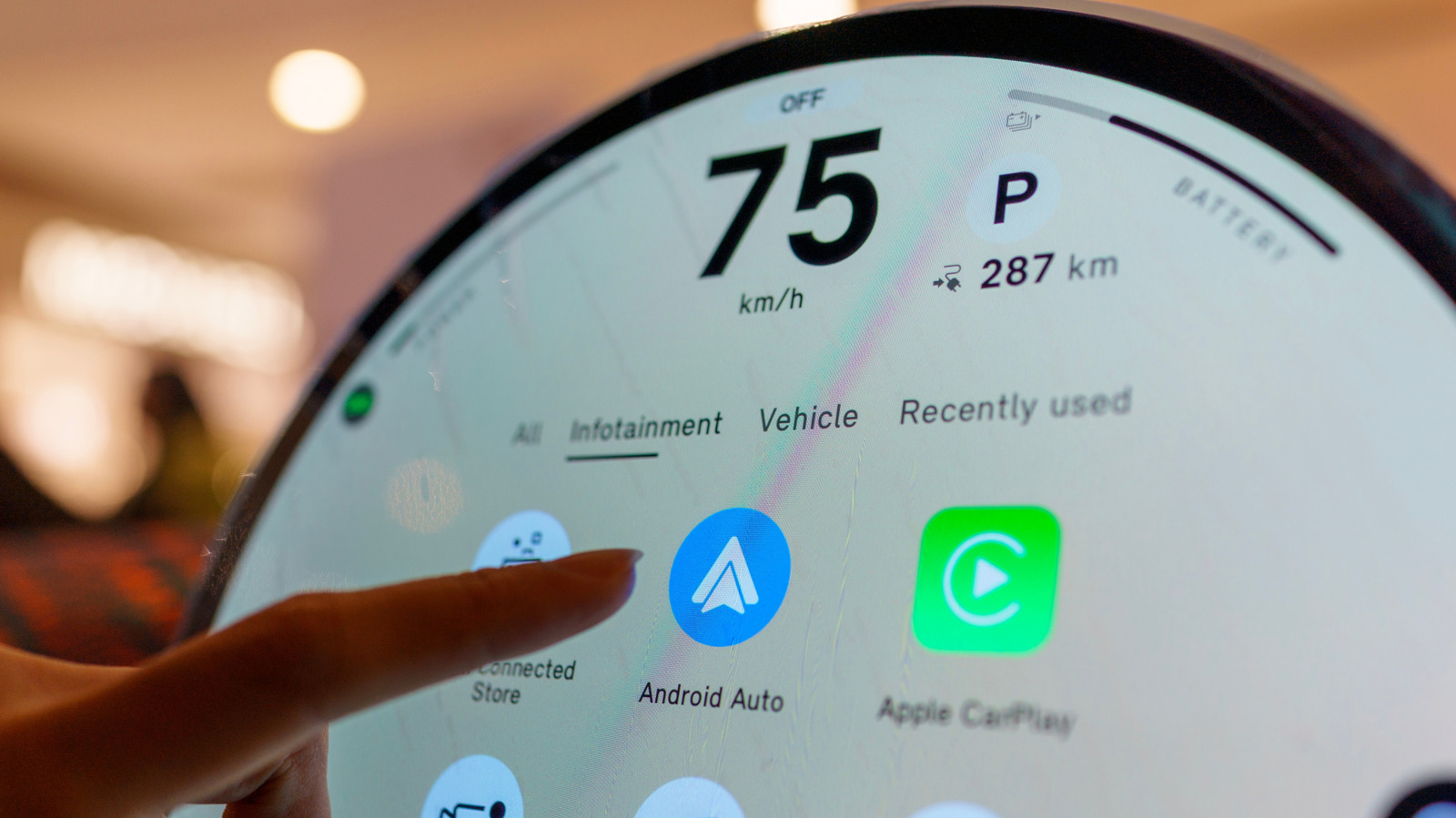
The app lives in the Play Store, so start there if you want to update.
Even though Android Auto appears on your car's infotainment display, all of its features are powered directly by your smartphone. We've seen Google add its Gemini voice assistant, support for widgets and even overhaul the visual look of the platform to better match the modern Android identity of late.
While Android Auto should keep itself up to date in most cases, you can also update it manually if you're running into issues or are anticipating a particular feature.
The Google Play Store is responsible for keeping Android Auto up-to-date. The latter would mean only getting updates via Android software updates.
In practical terms, this means that Android Auto should be updated automatically in the background like any other app on your phone. By default, the Play Store won't use cellular data to automatically update apps in the background.
Luckily, you can check whether you're on the latest version of the app by heading into the Play Store and searching for Android Auto. As a sanity check, click on the three-dot menu to the top-right and ensure that the Enable auto update option is selected.
If you're using Android Auto on an older phone, keep in mind that you need Android 9.0 or higher to receive the latest updates.
Within the Settings app on your phone, navigate to Apps > See all apps > Android Auto > Storage and cache.