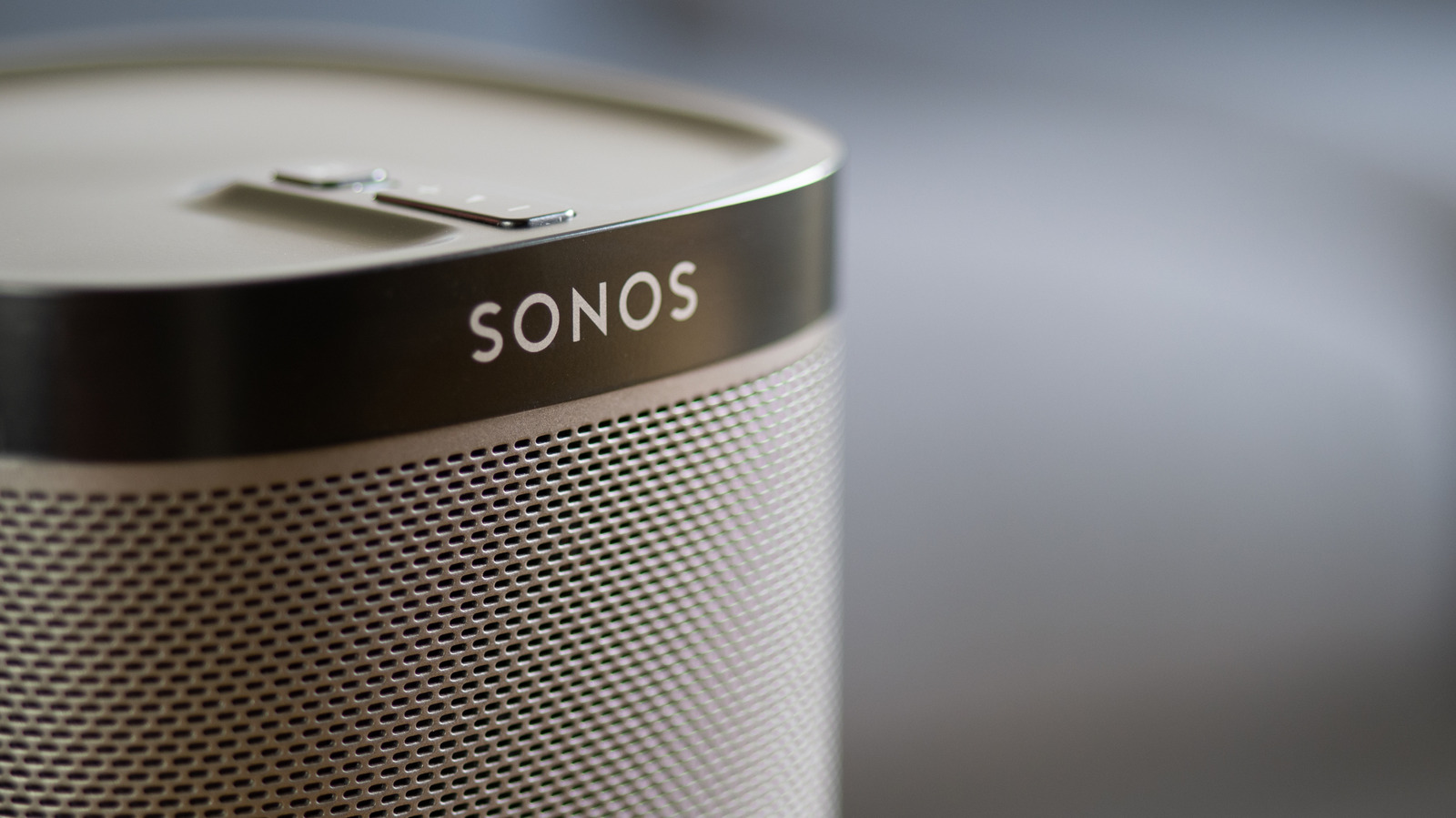
The app experience has improved over the last couple of years.
Back in 2024, you'd have likely been asking, " Why is the Sonos app so broken?"
If you're setting up your Sonos speaker for the first time, you're going to need the Sonos app for your smartphone or tablet.
Whether you're hooking up an old-school Sonos One speaker or are lucky enough to own a high-end Sonos Era 300, the setup process is broadly the same.
You can then assign your speaker to a new room (at the time of writing, Sonos has 22 different preset names, ranging from "bathroom" all the way through to "TV room" — though you can also set a custom moniker).
5 sentences from our version of the report,
chosen to cover it. Nothing here is written; every line is in the article below.
How
Summarized version
It's worth noting, though, that if you're looking to put together a full-blown Sonos surround sound system, your surround speakers will likely have to be the same model. Ensure your speaker and the Sonos app are on the same Wi-Fi network.
Headline check
The one thing this headline claims is in the report.
Figures, names and quoted words in the headline, looked for in the report itself — not in the summary above. One claim in this headline could be checked, so this is a narrow pass and not a thorough one. How this is checked
The article, shortened and in plain language
The app experience has improved over the last couple of years.
Sonos makes some of the best smart speakers in the game, yet pairing the company's products with its app hasn't always been a hassle-free process. Back in 2024, you'd have likely been asking, " Why is the Sonos app so broken?"
Read on for setup tips, how to resolve pairing problems and advice for making your speakers sound better through EQ tweaks and other in-app features.
If you're setting up your Sonos speaker for the first time, you're going to need the Sonos app for your smartphone or tablet. Said software is available on both the App Store and Google Play. Once that's downloaded, create a Sonos account and make sure your speaker and the app are connected to the same network.
Whether you're hooking up an old-school Sonos One speaker or are lucky enough to own a high-end Sonos Era 300, the setup process is broadly the same. After you've hooked up your speaker, open the app and select Start a new Sonos system, press Add your speaker, and the app should quickly find your Sonos hardware before guiding you through connecting it to your Wi-Fi network. You can then assign your speaker to a new room (at the time of writing, Sonos has 22 different preset names, ranging from "bathroom" all the way through to "TV room" — though you can also set a custom moniker).
Ensure your speaker and the Sonos app are on the same Wi-Fi network.
Shortened to 1 minute
of reading, this version reads 10.8 on the Niral Score.
You are reading our version, not theirs.
This is Engadget's report shortened to its most important sentences, in plainer words, with
verdicts and loaded words taken out. Plain description stays, and so do adjectives
that carry a fact, such as "former" or "federal". The reporting, the facts and the quotations
are theirs — quotations are never edited — and the indicators beside it measure
this version. Hover or tap Adjectives to see every one left in the text.
How this outlet filed it, and how we rewrote it
No other newsroom we read has filed on this event, so there is nothing to compare it with yet.
Readers can ask a question about this story here.
Questions and answers are for subscribers.
Sign in
to read them.
Comments are read before they appear where anything in them needs a person to look.
Nothing posted here is ever deleted; a comment taken down keeps its text and the reason,
so the decision can be looked at again. How this works
 Engadget