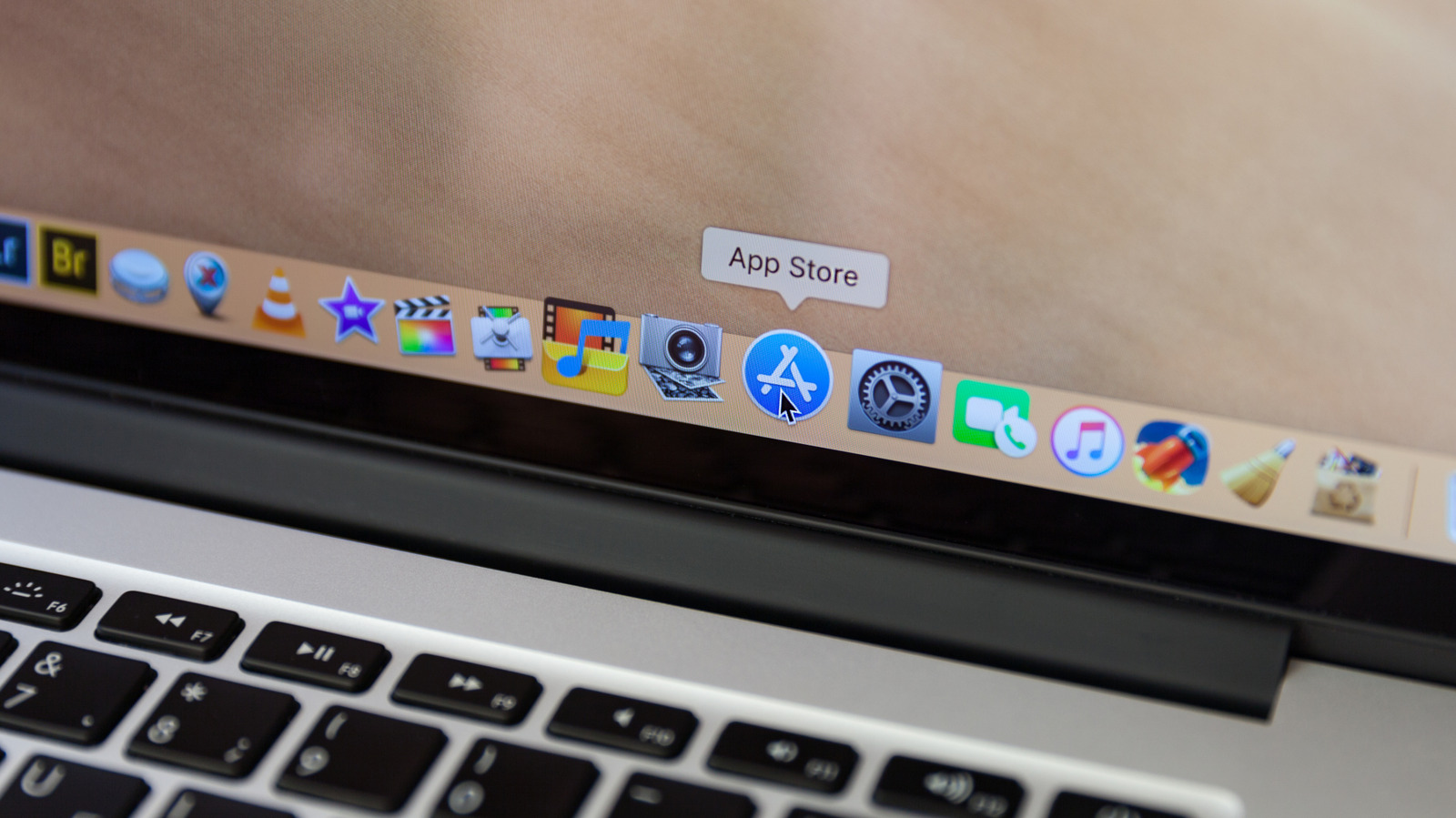
To get more out of your old MacBook you may have thought about using it as a home Network Attached Storage server.
Given the value of the data, storage constraints and inherent risk of disk failure with older Macs, you should use external storage drives within your setup.
If your Intel Mac has an HDMI output, you'll want a headless HDMI plug to trick it into thinking a display is attached and activating the GPU for best video performance.
The easiest option is already available in macOS in Apple's built-in Sharing settings.
Old Macs can run media server applications, including Plex, Kodi and Infuse.
5 sentences from our version of the report,
chosen to cover it. Nothing here is written; every line is in the article below.
How
Headline check
The one thing this headline claims is in the report.
Figures, names and quoted words in the headline, looked for in the report itself — not in the summary above. One claim in this headline could be checked, so this is a narrow pass and not a thorough one. How this is checked
The article, shortened and in plain language
Dig that MacBook out and put it to good use.
To get more out of your old MacBook you may have thought about using it as a home Network Attached Storage server.
Most NAS servers exist for one of three things: as a home media library, for collaboration and sharing, or for storage and backup. Given the value of the data, storage constraints and inherent risk of disk failure with older Macs, you should use external storage drives within your setup.
You'll need a network and an Ethernet cable for fast and stable connection to your router. If your Intel Mac has an HDMI output, you'll want a headless HDMI plug to trick it into thinking a display is attached and activating the GPU for best video performance. You'll also use the free Amphetamine app to prevent your Mac from sleeping.
The easiest option is already available in macOS in Apple's built-in Sharing settings. Open these to enable File Sharing and select folders to share. You can assign user access privileges, make your data available to Windows and Android devices, even share from your external drive.
Old Macs can run media server applications, including Plex, Kodi and Infuse.
As explained here, to install Plex you'll need an account and a Plex Media Server, and you must follow the intuitive setup wizard.
Shortened to 1 minute
of reading, this version reads 16.2 on the Niral Score.
You are reading our version, not theirs.
This is Engadget's report shortened to its most important sentences, in plainer words, with
verdicts and loaded words taken out. Plain description stays, and so do adjectives
that carry a fact, such as "former" or "federal". The reporting, the facts and the quotations
are theirs — quotations are never edited — and the indicators beside it measure
this version. Hover or tap Adjectives to see every one left in the text.
How this outlet filed it, and how we rewrote it
No other newsroom we read has filed on this event, so there is nothing to compare it with yet.
Readers can ask a question about this story here.
Questions and answers are for subscribers.
Sign in
to read them.
Comments are read before they appear where anything in them needs a person to look.
Nothing posted here is ever deleted; a comment taken down keeps its text and the reason,
so the decision can be looked at again. How this works
 Engadget