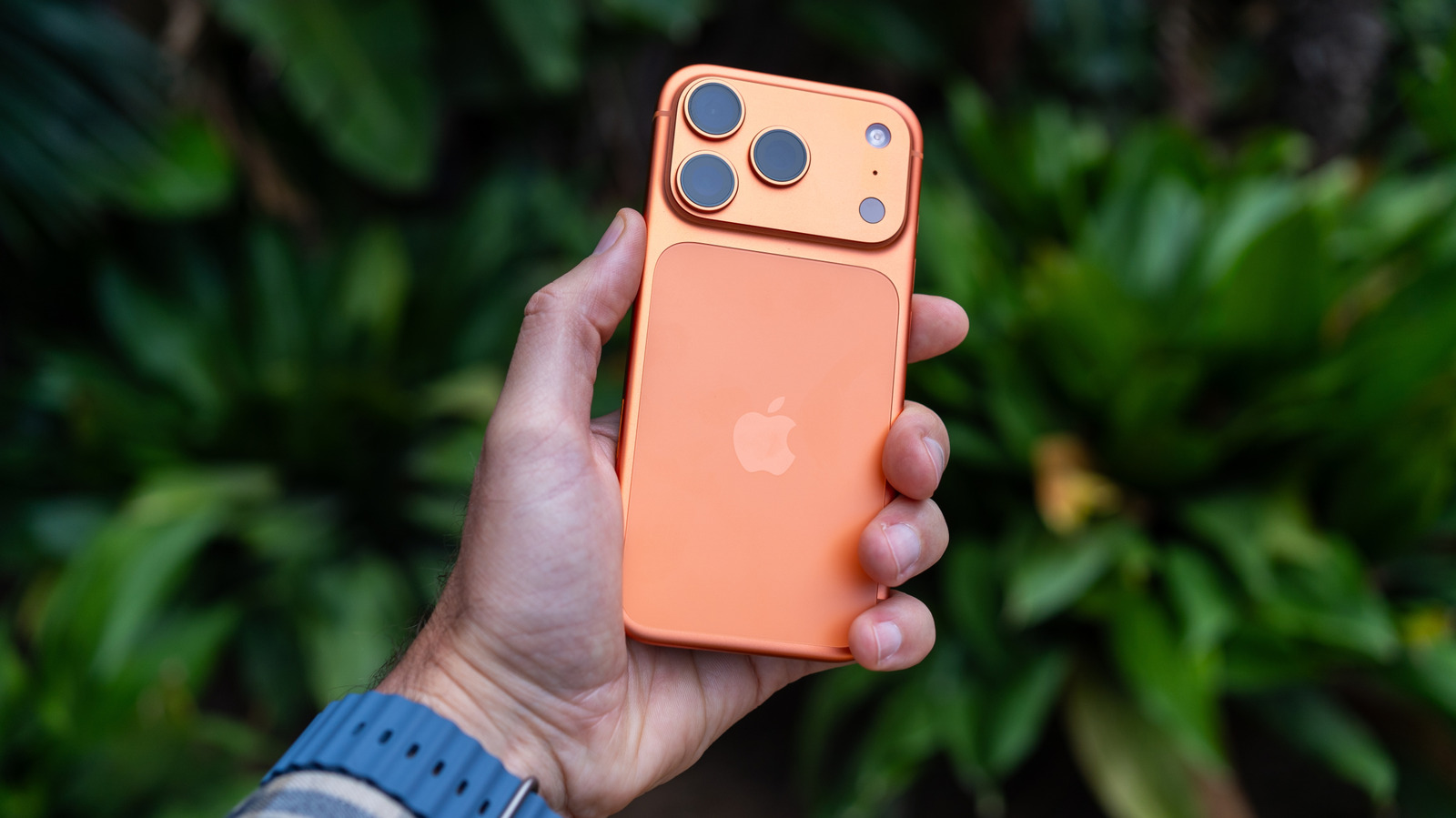
Live Text makes it easy to interact with text you see anywhere by pointing your iPhone's camera at it.
To use Live Text with a compatible iPhone like the new iPhone 18 Pro, open the Camera app, position the desired text in the viewfinder and wait for a yellow frame to appear around the text.
A basic method is to copy and paste the contents as text into apps like Messages, Notes or Mail.
If you don't want to use it, you can turn Live Text off by going to Settings > Camera and turning off Show Detected Text.
Additionally, Visual Intelligence will interact with text just like Live Text.
5 sentences from our version of the report,
chosen to cover it. Nothing here is written; every line is in the article below.
How
Summarized version
Choose an option from the menu, like Translate or Copy, or use the grab points to capture the portion of text you want. It requires an iPhone compatible with Apple Intelligence.
Headline check
The one thing this headline claims is in the report.
Figures, names and quoted words in the headline, looked for in the report itself — not in the summary above. One claim in this headline could be checked, so this is a narrow pass and not a thorough one. How this is checked
The article, shortened and in plain language
Live Text makes it easy to interact with text you see anywhere by pointing your iPhone's camera at it.
A feature called Live Text leverages your iPhone's camera to instantly interact with text you point at.
All you need to do is hold your phone up, tap the Live Text button on-screen and choose the option you want.
To use Live Text with a compatible iPhone like the new iPhone 18 Pro, open the Camera app, position the desired text in the viewfinder and wait for a yellow frame to appear around the text. Choose an option from the menu, like Translate or Copy, or use the grab points to capture the portion of text you want.
A basic method is to copy and paste the contents as text into apps like Messages, Notes or Mail. You can also Look Up a web address or information you want to research, or Translate text in another language.
If you don't want to use it, you can turn Live Text off by going to Settings > Camera and turning off Show Detected Text.
Apple introduced Visual Intelligence with iOS 18.1 as part of Apple Intelligence back in September 2024. Apple's take on Google Lens works a bit differently than Live Text, going beyond text to analyze much more.
Additionally, Visual Intelligence will interact with text just like Live Text. Live Text happens organically when the phone detects text in the frame of the Camera app, while Visual Intelligence expands on this to provide even more information in a specific camera mode.
Shortened to 1 minute
of reading, this version reads 11.5 on the Niral Score.
You are reading our version, not theirs.
This is Engadget's report shortened to its most important sentences, in plainer words, with
verdicts and loaded words taken out. Plain description stays, and so do adjectives
that carry a fact, such as "former" or "federal". The reporting, the facts and the quotations
are theirs — quotations are never edited — and the indicators beside it measure
this version. Hover or tap Adjectives to see every one left in the text.
How this outlet filed it, and how we rewrote it
No other newsroom we read has filed on this event, so there is nothing to compare it with yet.
Readers can ask a question about this story here.
Questions and answers are for subscribers.
Sign in
to read them.
Comments are read before they appear where anything in them needs a person to look.
Nothing posted here is ever deleted; a comment taken down keeps its text and the reason,
so the decision can be looked at again. How this works
 Engadget