It looks like you're trying to write some code.
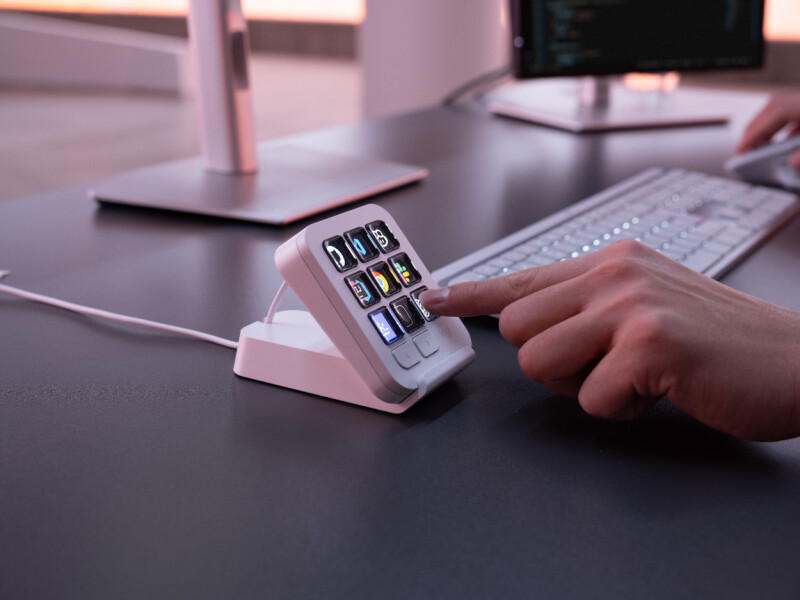
Logitech has released the MX Keypad, a developer-focused keypad derived from its MX Creative Console, and something that triggers a distinct sense of déjà vu.
Three keys to copy and paste code from the developer's former best friend.
Logitech took the keypad from its MX Creative Console product and made something similar to Stack Overflow's joke-that-became-a-thing, though more extensible.
At its heart, the MX Keypad is a set of nine keys that can trigger commands. Out of the box, it all looks a bit bland – there are monochrome images on the keys for playback, volume, screenshot taking, and even something to bring up an emoji panel when attached to a Windows device.
Things get a good deal more colorful and interesting when the device is connected to the Logi Options+ application. Then the device moves from being a curiosity to something that threatens to be indispensable, depending on your workflow. The MX Keypad will show a bunch of commonly used commands, or you can customize it to suit your workflow.
According to Logitech, the device is a "Multi-App AI Control Center for Developers" and was developed in conjunction with keyboard jockeys.
We found the Logi Options+ software a little unintuitive and recommend some perseverance to get the best out of it, along with a little caution, since the built-in designer can create some wince-inducing designs.
The MX Keypad represents some repurposing by Logitech. The touch panel, with its customizable keys, is a much more practical proposition; by selling it on its own, Logitech has cut the price to £89.99.