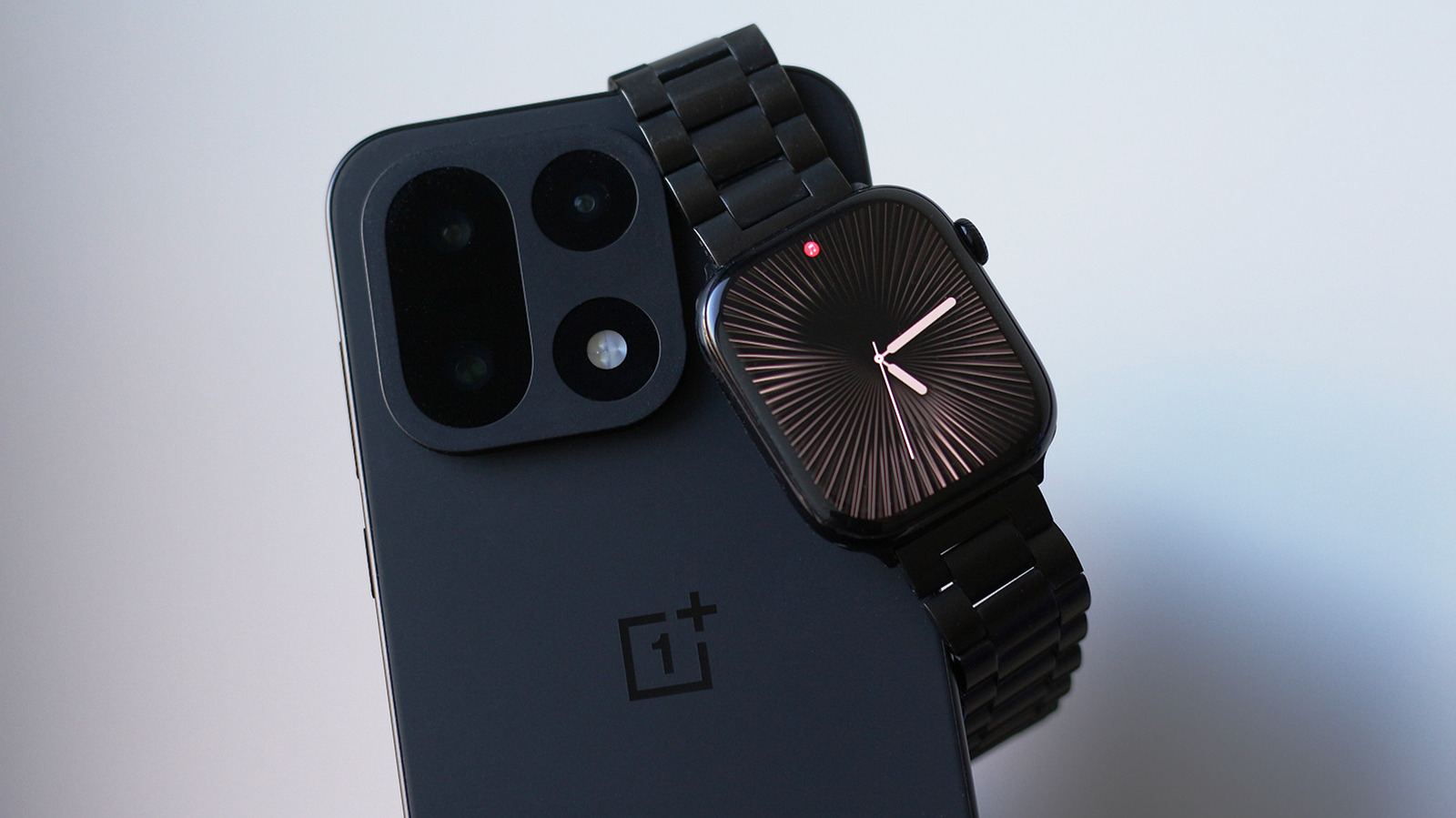
If you moved to Android, your Apple Watch can come with you.
People have found workarounds in the past to make this happen as well, but they need the cellular version of the Apple Watch.
Tap your phone's name on your Apple Watch and confirm the pairing request by typing in the six-digit code on your phone.
Every other app installed on your Apple Watch still works independently — it's just the Merge Watch app that forwards notifications and acts as the shared experience between the two devices.
4 sentences from our version of the report,
chosen to cover it. Nothing here is written; every line is in the article below.
How
Headline check
All two things this headline claims are in the report.
Figures, names and quoted words in the headline, looked for in the report itself — not in the summary above. How this is checked
The article, shortened and in plain language
If you moved to Android, your Apple Watch can come with you.
Whether the iPhone is the best smartphone around is debatable, but what's undeniable is how well Apple has nailed the products that surround it. The AirPods continue to dominate the wireless earbuds market, and the Apple Watch remains one of the most polished smartwatch experiences you can get. In fact, the Apple Watch straight up doesn't work with Android.
People have found workarounds in the past to make this happen as well, but they need the cellular version of the Apple Watch.
You do need to first activate your Apple Watch with an iPhone. You then install the Merge Watch app on both your Apple Watch via its App Store and on your Android device via the Play Store. Tap your phone's name on your Apple Watch and confirm the pairing request by typing in the six-digit code on your phone.
Assuming the setup process went smoothly, your Android phone and your Apple Watch should now be able to talk to one another.
Pairing the two devices is one thing, but how much of the Apple Watch experience carries over to Android is another.
You probably don't want every app from your Android phone buzzing you on your wrist, so you can turn off notifications on a per-app basis through the Merge Watch app on your phone.
Every other app installed on your Apple Watch still works independently — it's just the Merge Watch app that forwards notifications and acts as the shared experience between the two devices.
Shortened to 1 minute
of reading, this version reads 11.8 on the Niral Score.
You are reading our version, not theirs.
This is Engadget's report shortened to its most important sentences, in plainer words, with
verdicts and loaded words taken out. Plain description stays, and so do adjectives
that carry a fact, such as "former" or "federal". The reporting, the facts and the quotations
are theirs — quotations are never edited — and the indicators beside it measure
this version. Hover or tap Adjectives to see every one left in the text.
How this outlet filed it, and how we rewrote it
No other newsroom we read has filed on this event, so there is nothing to compare it with yet.
Readers can ask a question about this story here.
Questions and answers are for subscribers.
Sign in
to read them.
Comments are read before they appear where anything in them needs a person to look.
Nothing posted here is ever deleted; a comment taken down keeps its text and the reason,
so the decision can be looked at again. How this works
 Engadget