Staying up-to-date with the latest Android version and making sure all your apps are updated can help keep things running smoothly.
All Android phones, regardless of brand or price, let you tweak the speed of system animations.
Navigate to Settings > About, and look for the "Build Number" option.
Set the Window animation scale, Transition animation scale and Animator duration scale values to 0.5x. This will make most animations on your Android phone play twice as fast.
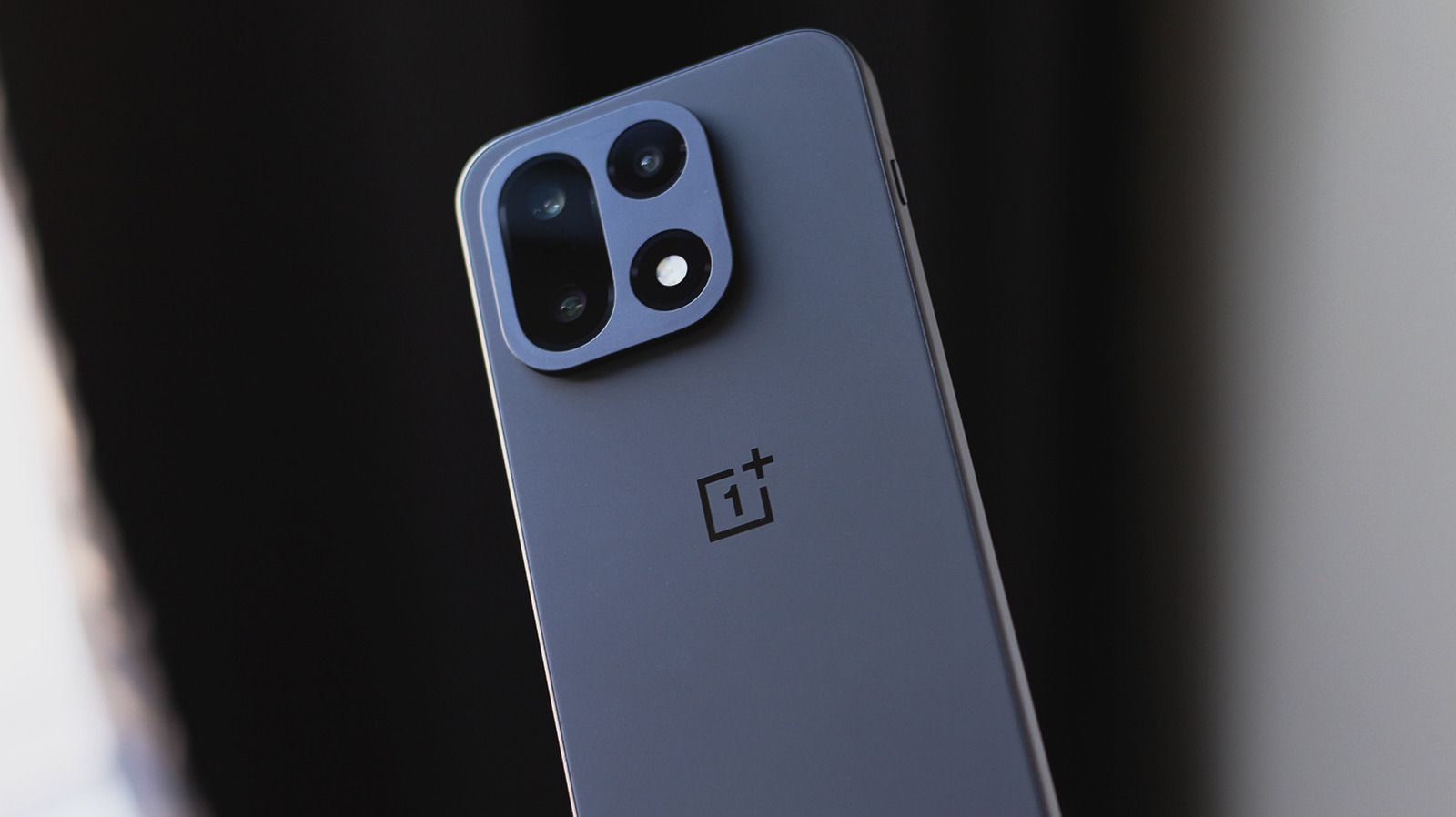
In contrast, OxygenOS on OnePlus devices has faster animations by default, so you may not want to cut their duration in half.
5 sentences from our version of the report,
chosen to cover it. Nothing here is written; every line is in the article below.
How
Summarized version
Set the Window animation scale, Transition animation scale and Animator duration scale values to 0.5x. This will make most animations on your Android phone play twice as fast.
The report’s most important sentence, shortened and in plain words. How
Headline check
The one thing this headline claims is in the report.
Figures, names and quoted words in the headline, looked for in the report itself — not in the summary above. One claim in this headline could be checked, so this is a narrow pass and not a thorough one. How this is checked
The article, shortened and in plain language
With how powerful the chips inside our smartphones have gotten, lags and stutters have become something you generally shouldn't experience anymore. Staying up-to-date with the latest Android version and making sure all your apps are updated can help keep things running smoothly. Clearing cache may help with performance, but only in situations where an app's files have become corrupted or bloated.
All Android phones, regardless of brand or price, let you tweak the speed of system animations. You'll find this inside Android's developer options menu, which is hidden by default.
Navigate to Settings > About, and look for the "Build Number" option. Depending on your phone's model, it may sometimes be located under a submenu like "Software Version." Tap the label seven times, and you should see a toast message saying "You are now a developer!"
Head back to the main settings page. You may find the Developer Options menu right there, but if not, navigate to System, and you should now see it.
Set the Window animation scale, Transition animation scale and Animator duration scale values to 0.5x. This will make most animations on your Android phone play twice as fast.
Some Android skins like Google's Pixel UI have more drawn-out animations than others, so using this trick to speed things up can make a noticeable difference. In contrast, OxygenOS on OnePlus devices has faster animations by default, so you may not want to cut their duration in half.
Shortened to 1 minute
of reading, this version reads 9.3 on the Niral Score.
You are reading our version, not theirs.
This is Engadget's report shortened to its most important sentences, in plainer words, with
verdicts and loaded words taken out. Plain description stays, and so do adjectives
that carry a fact, such as "former" or "federal". The reporting, the facts and the quotations
are theirs — quotations are never edited — and the indicators beside it measure
this version. Hover or tap Adjectives to see every one left in the text.
How this outlet filed it, and how we rewrote it
No other newsroom we read has filed on this event, so there is nothing to compare it with yet.
Readers can ask a question about this story here.
Questions and answers are for subscribers.
Sign in
to read them.
Comments are read before they appear where anything in them needs a person to look.
Nothing posted here is ever deleted; a comment taken down keeps its text and the reason,
so the decision can be looked at again. How this works
 Engadget