 Engadget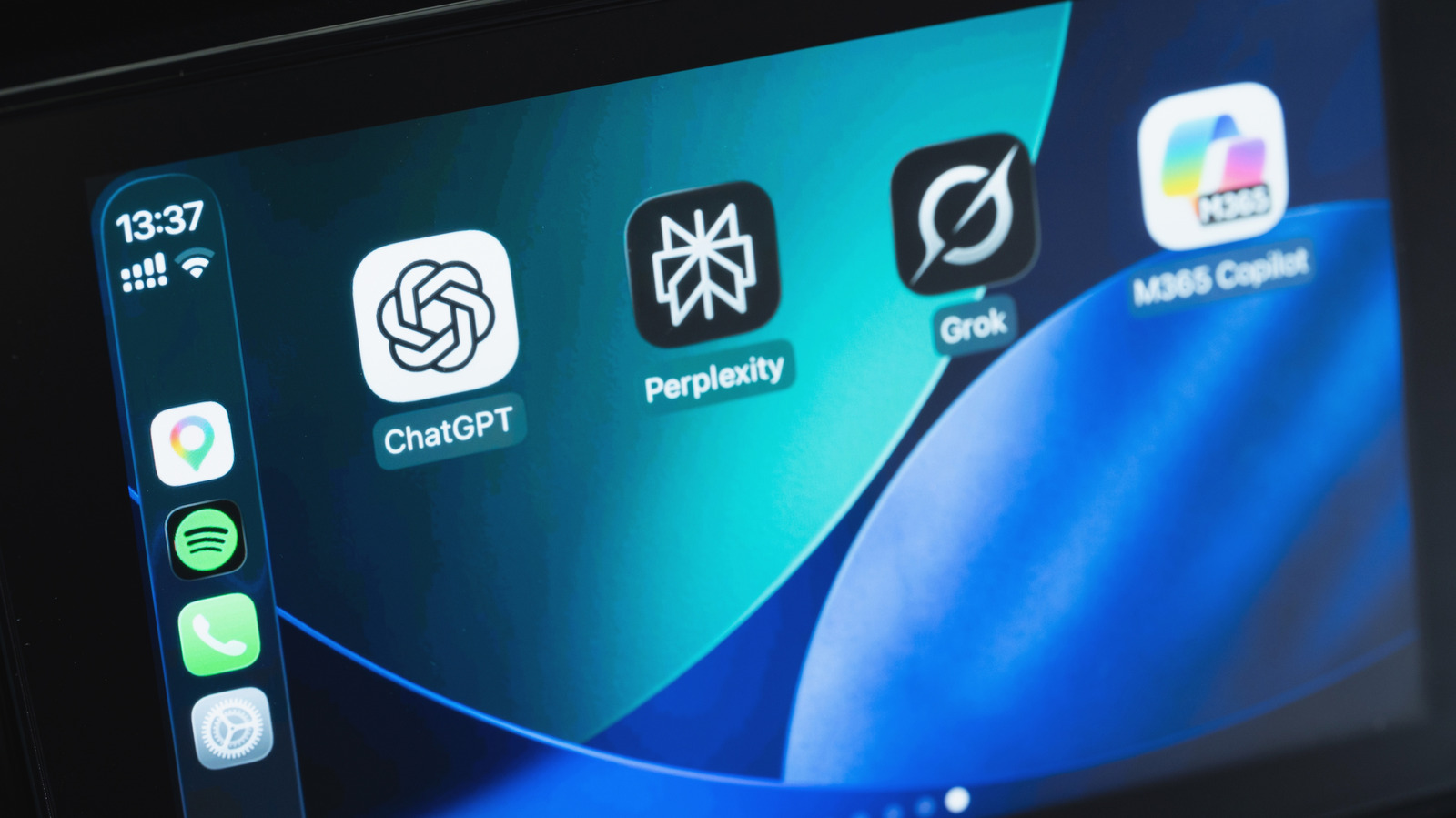
You can now talk with ChatGPT, Claude and more while you're on the road.
If you love using AI chatbots like ChatGPT on your phone, you'll be pleased to know that accessing them in your car is also — if you have a car with Apple CarPlay.
For safety while driving, AI tools compatible with CarPlay only work through voice commands. Before you continue, make sure your iPhone is running iOS 26.4 or later by visiting Settings > General > Software Update.
After that, open the App Store, tap your profile icon at the top-right, choose App Updates, swipe down to refresh, then choose Update All to make sure you have the latest versions of installed AI apps.
As the most popular AI bot, it's no surprise that ChatGPT is CarPlay-ready. If you already have it on your iPhone, you'll find it on your CarPlay Home Screen. If you don't have it yet, download ChatGPT for free from the App Store.
With your iPhone connected to your car, tap the ChatGPT icon on CarPlay and select New Voice Chat.
More recently, Anthropic's Claude has also joined the list of chatbots available on CarPlay. Plus, if you've updated your iPhone to iOS 27, Siri AI is available too — though this needs an iPhone 15 Pro or later for Apple Intelligence.
When you open any of the apps in CarPlay, start a new chat or pick up where you left off before.
By default, newly-compatible CarPlay apps get added to the end of your home screen, so it's worth customizing your CarPlay display to make your most-used AI tools easier to reach.