 Engadget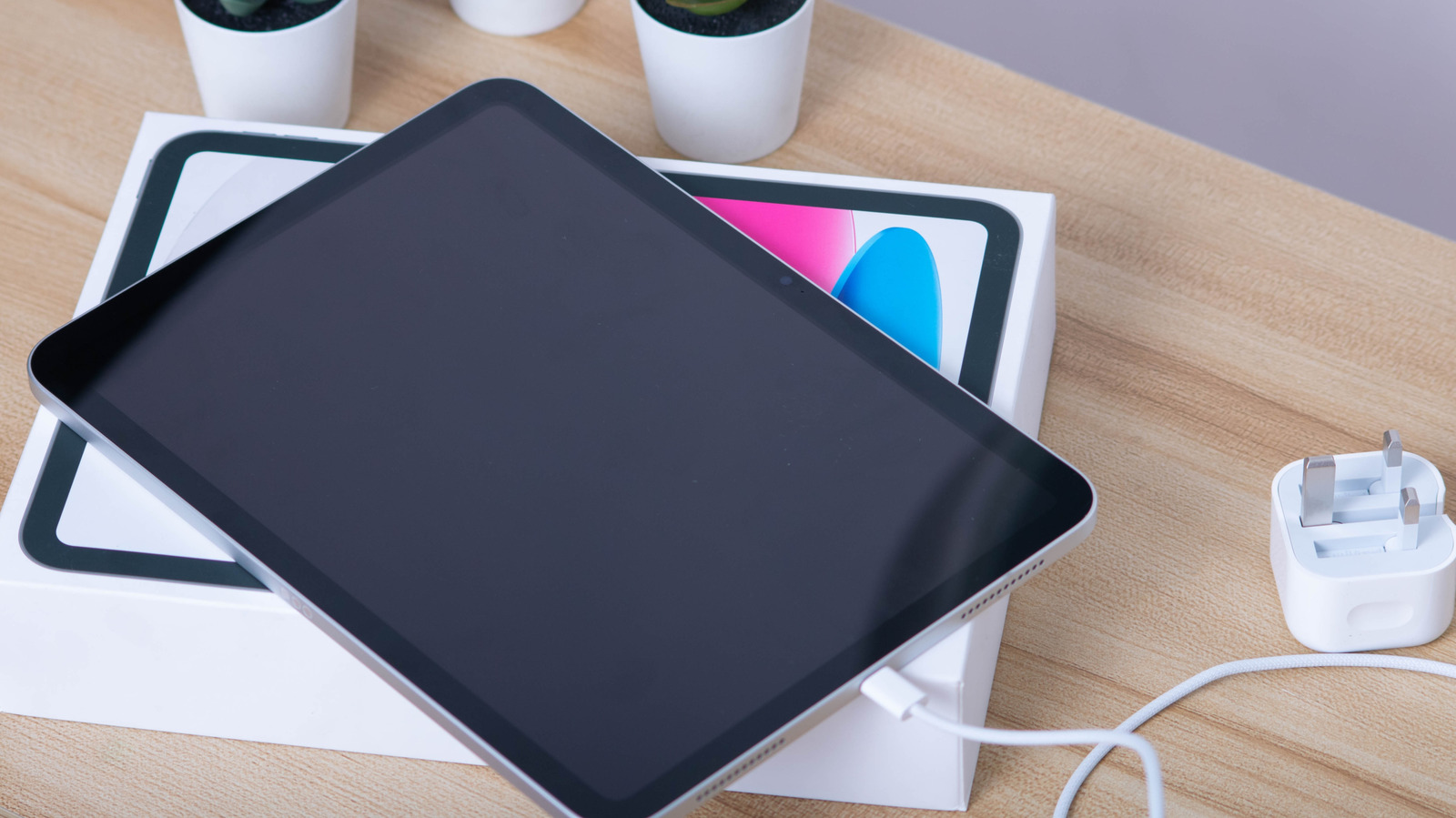
If your iPad refuses to charge, it's likely an issue with the cable or charging block.
Having your iPad refuse to charge is a frustrating sight, whether it's drained after a late-night YouTube binge or you're topping it off before class. Even if you own one of the best iPad models, charging problems can crop up.
While a damaged or underpowered charger is often the primary culprit for an iPad that won't charge, there could also be an issue with your tablet's charging port. We'll guide you through why your iPad might have suddenly stopped charging while also providing tips on how to power it up again.
First, don't panic: an iPad not charging doesn't necessarily mean it's bricked. When possible, it's best to use the official first-party charger that came with your iPad or one of the best fast chargers.
Ideally, you want a charger that provides at least 10W, not that old Kindle charging block that's been buried in a drawer for years. Using a high-quality cable that meets the fast charging standards of your charging block is important, too.
Thus, when you encounter iPad charging problems, switch between multiple cables and adapters to rule out peripheral faults. If certain cables and chargers work but others don't, that's a sign the charging accessory is bad, not your iPad.
Apple advises that you refrain from charging an iPad in direct sunlight, while overly cold conditions should also be avoided. The company states temperatures between 32°F to 95°F are optimal for safe charging conditions.