 Engadget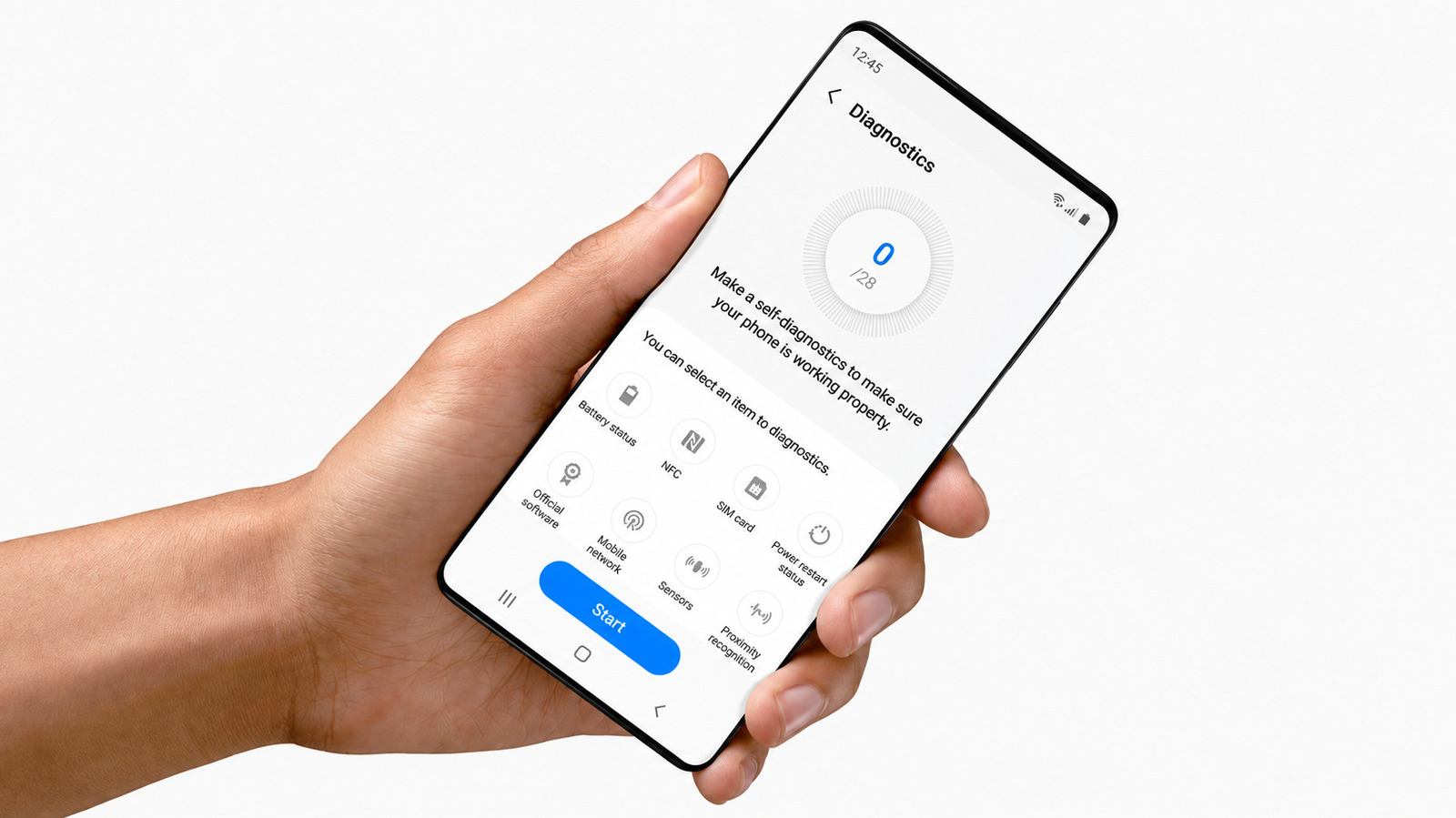
Try this before sending it in for repair or upgrading.
If your Samsung Galaxy has begun draining its battery too fast or dropping calls, or just seems to be on the wrong side of an update, there is a bit of hardware that you can check before downloading another app or going to a repair shop.
From there, you can test individual components or tap Test all and go through the checklist.
According to Samsung, Device care diagnostics are available on Galaxy devices running Android 12 or later, though the specific menus and available tests vary by phone and software version. The diagnostics are also available via Samsung Members.
The diagnostics are much more than battery health. Samsung can test the touch screen, cameras, microphones, speakers, physical buttons, sensors, Wi-Fi, mobile network, Bluetooth, SIM card, NFC, USB connection, charging and fingerprint reader, depending on your Galaxy model. Models with features like a S Pen or wireless charging can get more checks.
Certain tests are performed automatically, while others involve you. For instance, the proximity test needs you to cover the area around the front camera or call speaker with your palm. If a test fails, Samsung says the app may offer troubleshooting suggestions or a related FAQ.
Samsung rates the battery as Normal, Weak or Bad.
Samsung's tests check whether components and functions are working correctly.
If you do hand it over for repair, Samsung's Maintenance mode can hide photos, messages, contacts and other personal data while still allowing technicians to test the device.