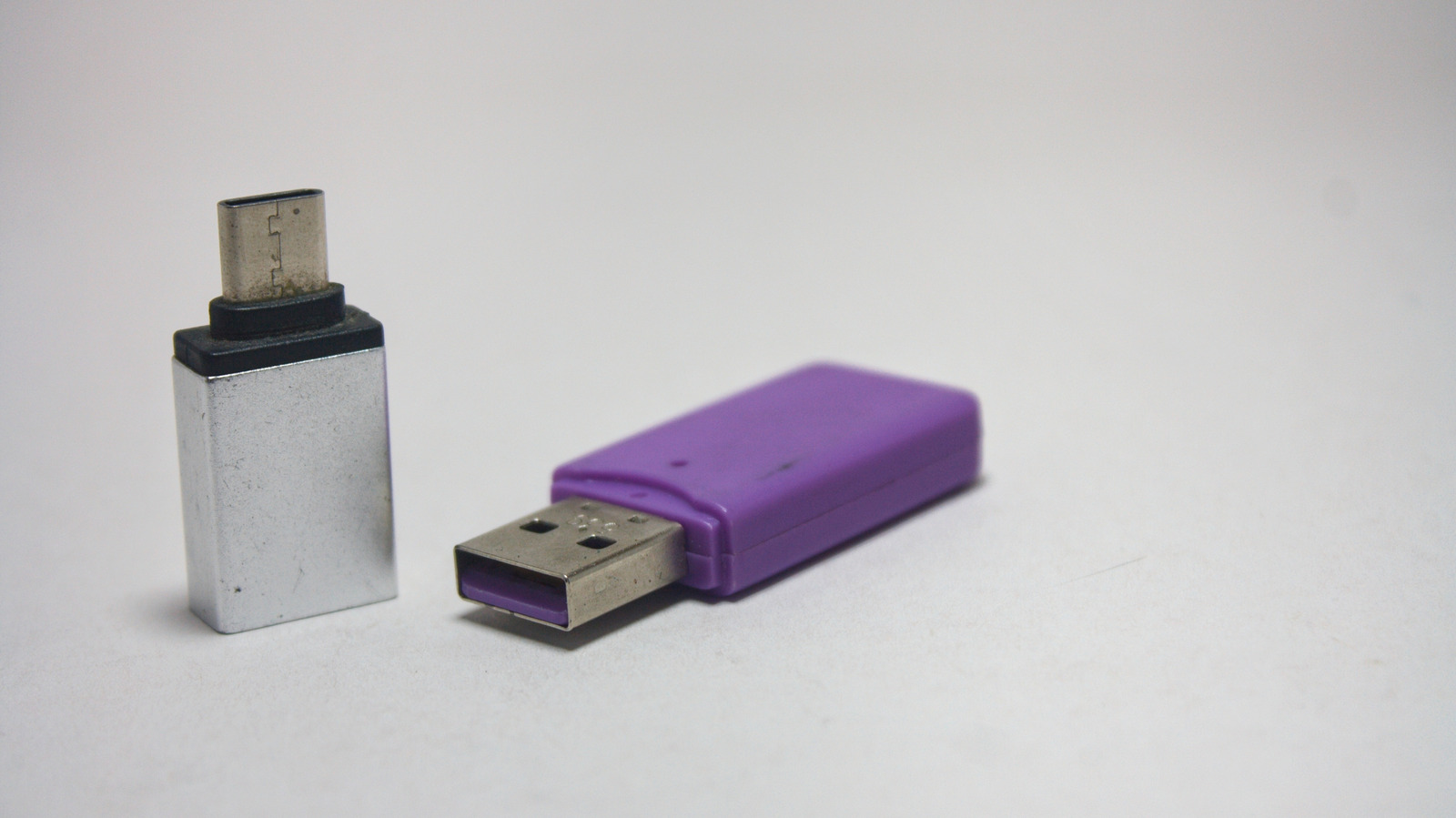
The catch is that not all USB-A to USB-C adapters are built the same.
A USB 3.0 adapter is a whole different story because it supports up to 5Gbps in data transfer, while a USB 3.2 Gen 2 adapter supports speeds up to 10Gbps.
If it's an old device with a USB 2.0, buying a newer generation adapter won't increase the transfer speed.
3 sentences from our version of the report,
chosen to cover it. Nothing here is written; every line is in the article below.
How
Summarized version
A USB 2.0 adapter will top out at 480Mbps for data and delivers just 5V/0.5A of power — about 2.5W, although when used with wall chargers.
The report’s most important sentence, shortened and in plain words. How
Headline check
The one thing this headline claims is in the report.
Figures, names and quoted words in the headline, looked for in the report itself — not in the summary above. One claim in this headline could be checked, so this is a narrow pass and not a thorough one. How this is checked
The article, shortened and in plain language
And why that one cable takes forever to charge your phone.
You've been buying USB-C to USB-C cables in bulk because they're so much faster for charging, but your laptop only has one C-port and you're left scrambling for a USB-A to USB-C cable around the house so you can charge your headphones, for instance.
The catch is that not all USB-A to USB-C adapters are built the same. Two adapters can look nearly identical while performing differently, depending on the USB specification they support, the power they can deliver and the quality of the components inside.
A USB 2.0 adapter will top out at 480Mbps for data and delivers just 5V/0.5A of power — about 2.5W, although when used with wall chargers, they can supply up to 7.5W. That's not much, but it's also not meant to be.
A USB 3.0 adapter is a whole different story because it supports up to 5Gbps in data transfer, while a USB 3.2 Gen 2 adapter supports speeds up to 10Gbps. When it comes to charging, a laptop's USB-A port caps output around 7.5W, but plugging the adapter into a USB-A wall charger can push that number up to 12W-15W.
If it's an old device with a USB 2.0, buying a newer generation adapter won't increase the transfer speed.
While a basic USB 2.0 adapter is fine for low-power devices, you should opt for USB 3.0 if you're plugging in something like an external drive or flash drive.
Shortened to 1 minute
of reading, this version reads 11.3 on the Niral Score.
You are reading our version, not theirs.
This is Engadget's report shortened to its most important sentences, in plainer words, with
verdicts and loaded words taken out. Plain description stays, and so do adjectives
that carry a fact, such as "former" or "federal". The reporting, the facts and the quotations
are theirs — quotations are never edited — and the indicators beside it measure
this version. Hover or tap Adjectives to see every one left in the text.
How this outlet filed it, and how we rewrote it
No other newsroom we read has filed on this event, so there is nothing to compare it with yet.
Readers can ask a question about this story here.
Questions and answers are for subscribers.
Sign in
to read them.
Comments are read before they appear where anything in them needs a person to look.
Nothing posted here is ever deleted; a comment taken down keeps its text and the reason,
so the decision can be looked at again. How this works
 Engadget