 Engadget
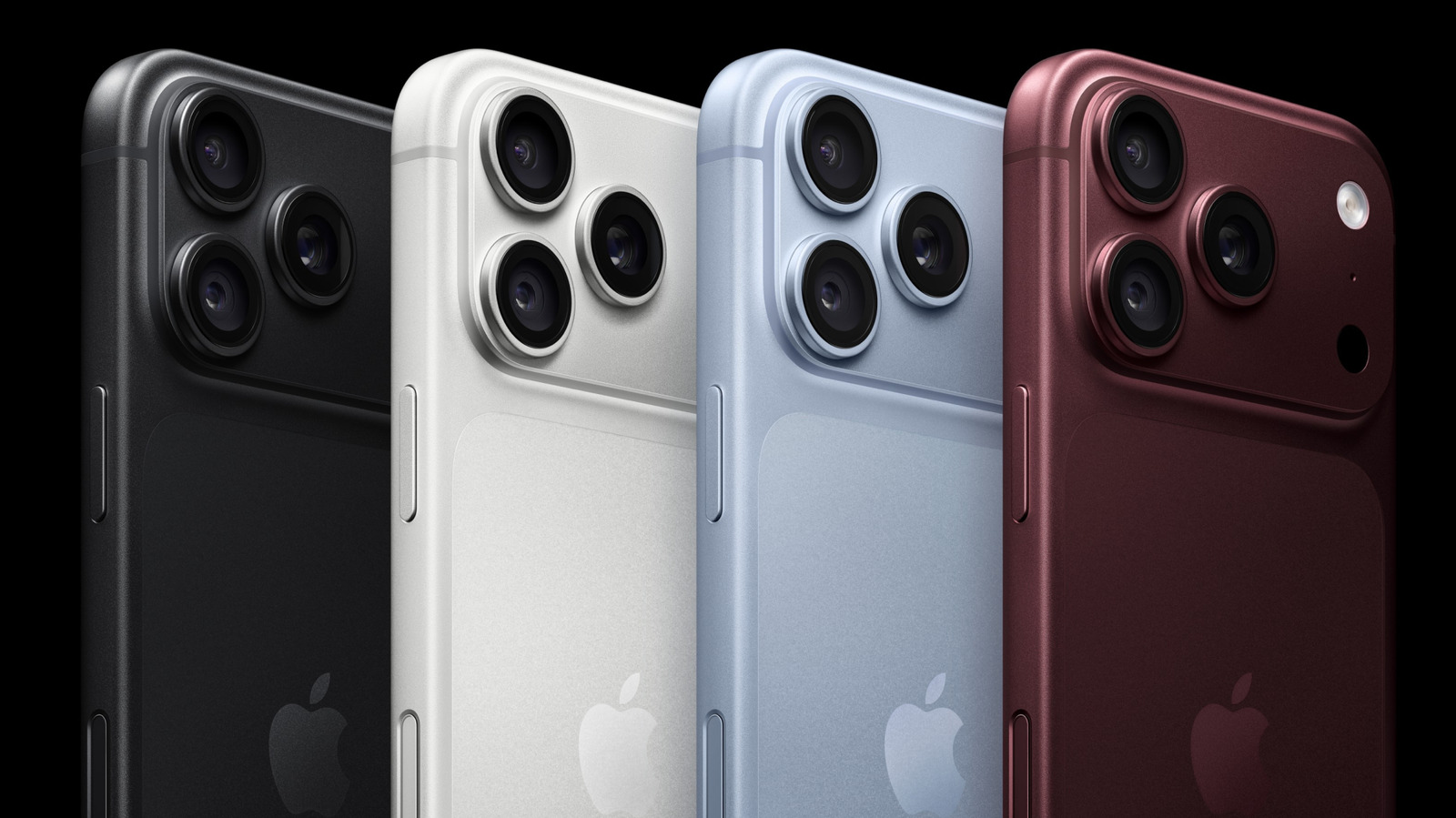
Make your iPhone’s camera behave exactly how you want. You can change the default behaviors in Settings > Camera > Camera Control.
How to customize Camera Control on your iPhone
Summarized version
Make your iPhone’s camera behave exactly how you want. You can change the default behaviors in Settings > Camera > Camera Control.
The report’s most important sentence, shortened and in plain words. How
From the report
Headline check
The one thing this headline claims is in the report.
Figures, names and quoted words in the headline, looked for in the report itself — not in the summary above. One claim in this headline could be checked, so this is a narrow pass and not a thorough one. How this is checked
This is a summary. The indicators are not. Every score on this page was measured over the full 492-word report, which is the only way the numbers mean anything.
How this outlet filed it, and how we rewrote it
No other newsroom we read has filed on this event, so there is nothing to compare it with yet.
| Outlet | Niral Score |
|---|---|
| Engadgetas they published this story | 15.8 |
How did this read?
Sign in to react.
Comments
Comments are not open yet. They will be once there is someone to read every one before it appears. If something here is wrong, tell us — that we do read.
Report a problem with these scores or this rewrite — it goes straight into the public ledger.