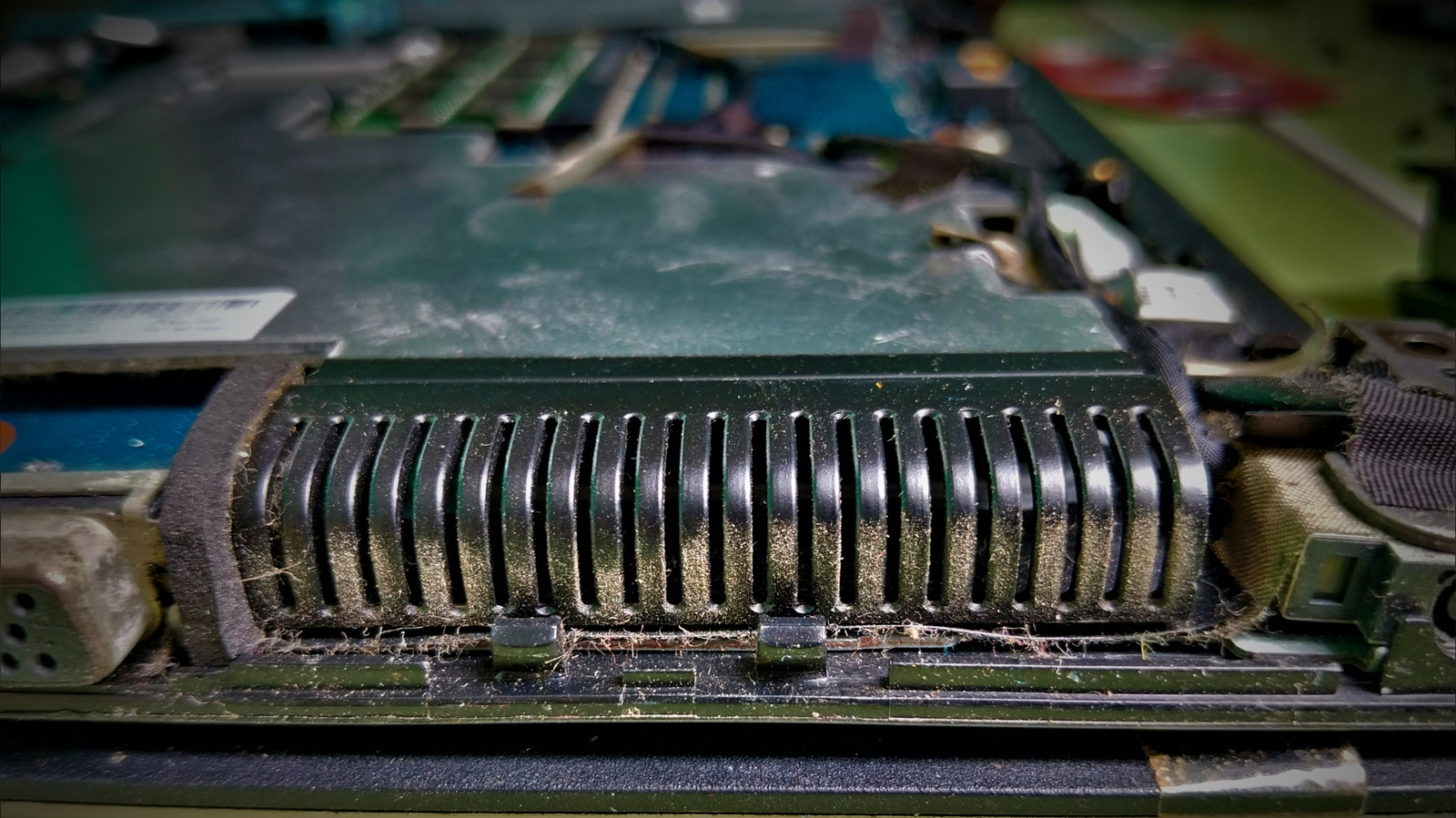
Start with the vents before you reach for a screwdriver.
Your laptop fan has probably spent its entire life working inside a cramped chassis, so dust eventually gets an invite. Let too much of it build up around the vents, fan or heat sink and airflow can be hampered. Over time, restricted cooling can result in thermal throttling, which is when the processor reduces its performance to keep temperatures under control.
Fortunately, cleaning a laptop fan doesn't necessarily involve disassembling the laptop. For routine maintenance, turn the laptop off, unplug it and use short bursts of electronics-safe compressed air through the vents. Lenovo recommends cleaning a laptop fan every three to six months, depending on the environment.
When dust is packed deeper inside, it makes sense to open the laptop. Depending on the machine, removing the bottom cover may expose the fan or start an intimate tour of several thousand dollars' worth of electronics.
Standard WD-40 Multi-Use Product is designed to lubricate, displace moisture and protect against corrosion.
On some laptops, the fan is visible and can be removed independently. Others have two fans paired with a shared heat sink or vapor chamber, and if one fan is clean but the other fan, heat sink or exhaust fins are still clogged, cleaning one fan will do little.
Shortened to 1 minute
of reading, this version reads 13.3 on the Niral Score.
You are reading our version, not theirs.
This is Engadget's report shortened to its most important sentences, in plainer words, with
verdicts and loaded words taken out. Plain description stays, and so do adjectives
that carry a fact, such as "former" or "federal". The reporting, the facts and the quotations
are theirs — quotations are never edited — and the indicators beside it measure
this version. Hover or tap Adjectives to see every one left in the text.
How this outlet filed it, and how we rewrote it
No other newsroom we read has filed on this event, so there is nothing to compare it with yet.
Readers can ask a question about this story here.
Questions and answers are for subscribers.
Sign in
to read them.
Comments are read before they appear where anything in them needs a person to look.
Nothing posted here is ever deleted; a comment taken down keeps its text and the reason,
so the decision can be looked at again. How this works
 Engadget