
Subscribe Sign in

How to record audio on your iPhone

Engadget
1 min read Rewritten in plain language

Apple

Show what we removed Rules applied: A1 A2 A3 A7 D2×3 D3×5 D4 E3×30 F2 all 30 rules
  • From transcripts to trimming, the iOS Voice Memos app has a lot to offer.
  • Thankfully, it's easy to record audio on your iPhone, and you don't need to download any new apps for the job.
  • If you can't find it on your Home Screen, drag down to use Search.
  • Multitrack audio recording is also available with the Plus button, although this needs an iPhone 16 Pro or newer.
  • Tapping the three-dot button at the top-left provides a Copy Transcript option so you can paste what was said into other apps like Notes or Messages.

5 sentences from our version of the report, chosen to cover it. Nothing here is written; every line is in the article below. How

Multitrack audio recording is also available with the Plus button. Back on the recording page, you'll see four different buttons.

Headline check

There is nothing in this headline a machine can check against the report: no figure, no name and no quotation.

Nothing was measured here, so nothing is claimed. How this is checked

From transcripts to trimming, the iOS Voice Memos app has a lot to offer.

Maybe you're interviewing someone, or want to record a class or meeting. Thankfully, it's easy to record audio on your iPhone, and you don't need to download any new apps for the job.

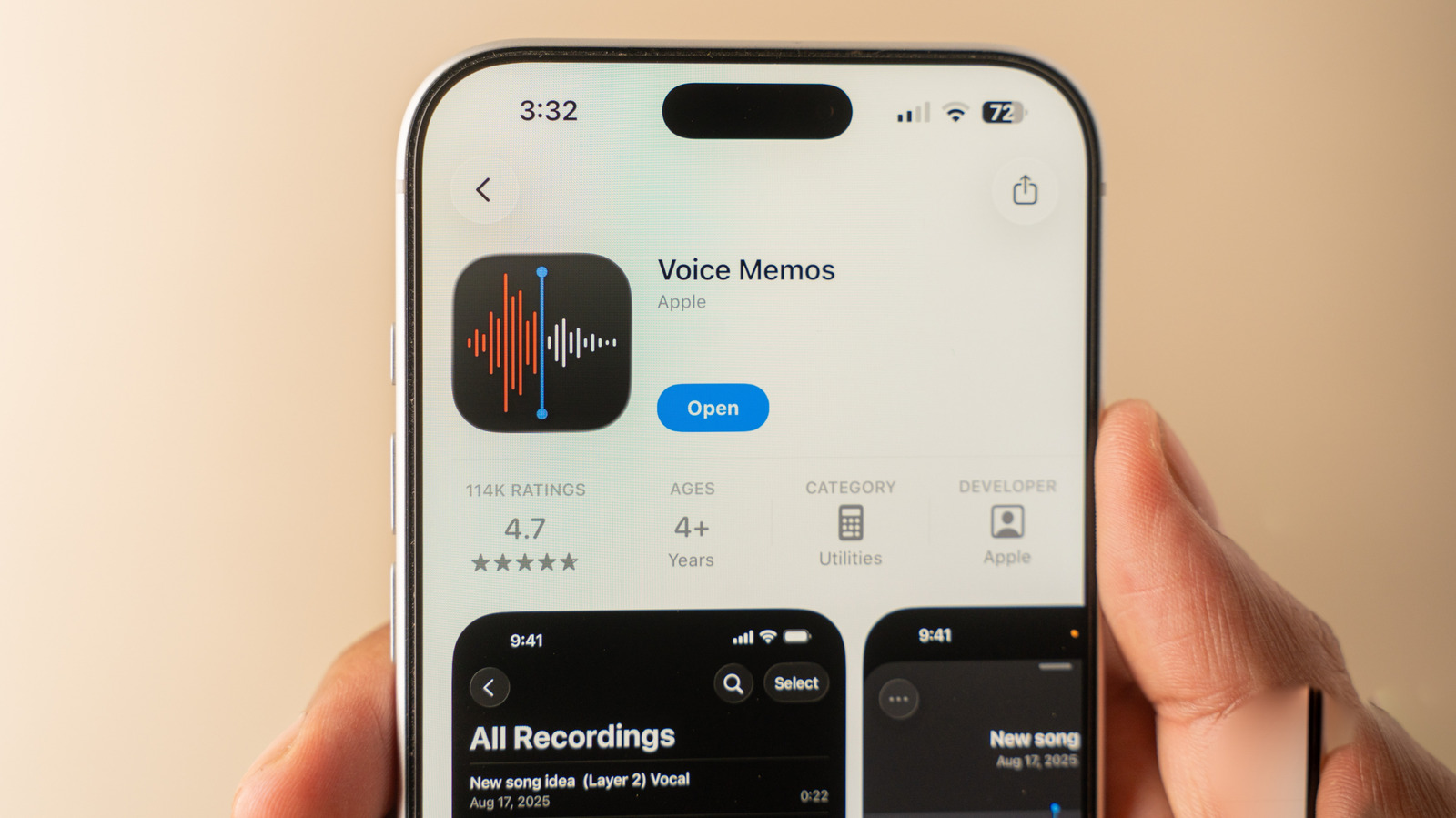
Apple's Voice Memos app comes built into iOS and works on all modern iPhones. To get started, open the Voice Memos app. If you can't find it on your Home Screen, drag down to use Search.

If you uninstalled this in the past, you can reinstall it for free from the App Store.

Once you're in the app, it's simple to use: just tap the red button to start recording. Tapping the button again will stop the recording and save it.

Aside from using this to revisit a point, rewinding also lets you replace an earlier section with new audio. For example, if you misspeak or there's sudden background noise, you can re-record just those few seconds. Multitrack audio recording is also available with the Plus button, although this needs an iPhone 16 Pro or newer.

Before you make a lot of recordings, head to Settings > Apps > Voice Memos to change an option. Under Recording Mode, choose between Mono, Stereo and Spatial. Spatial is "3D audio" that sounds like it's coming from all around you.

Tapping the three-dot button at the top-left provides a Copy Transcript option so you can paste what was said into other apps like Notes or Messages. Trim lets you cut parts of audio clips that aren't needed.

Shortened to 1 minute of reading, this version reads 13.6 on the Niral Score.

You are reading our version, not theirs. This is Engadget's report shortened to its most important sentences, in plainer words, with verdicts and loaded words taken out. Plain description stays, and so do adjectives that carry a fact, such as "former" or "federal". The reporting, the facts and the quotations are theirs — quotations are never edited — and the indicators beside it measure this version. Hover or tap Adjectives to see every one left in the text.

How this outlet filed it, and how we rewrote it

No other newsroom we read has filed on this event, so there is nothing to compare it with yet.

Outlet Niral ScoreAdjectivesSourcingHappiness
Engadgetas they published this story 15.2 14 14 54
Mundane Readneutralized from Engadget 14.1 13 14 54

Sign in to react.

Comments

Nothing here yet.

Sign in to comment.

Questions

Readers can ask a question about this story here. Questions and answers are for subscribers. Sign in to read them.

Comments are read before they appear where anything in them needs a person to look. Nothing posted here is ever deleted; a comment taken down keeps its text and the reason, so the decision can be looked at again. How this works