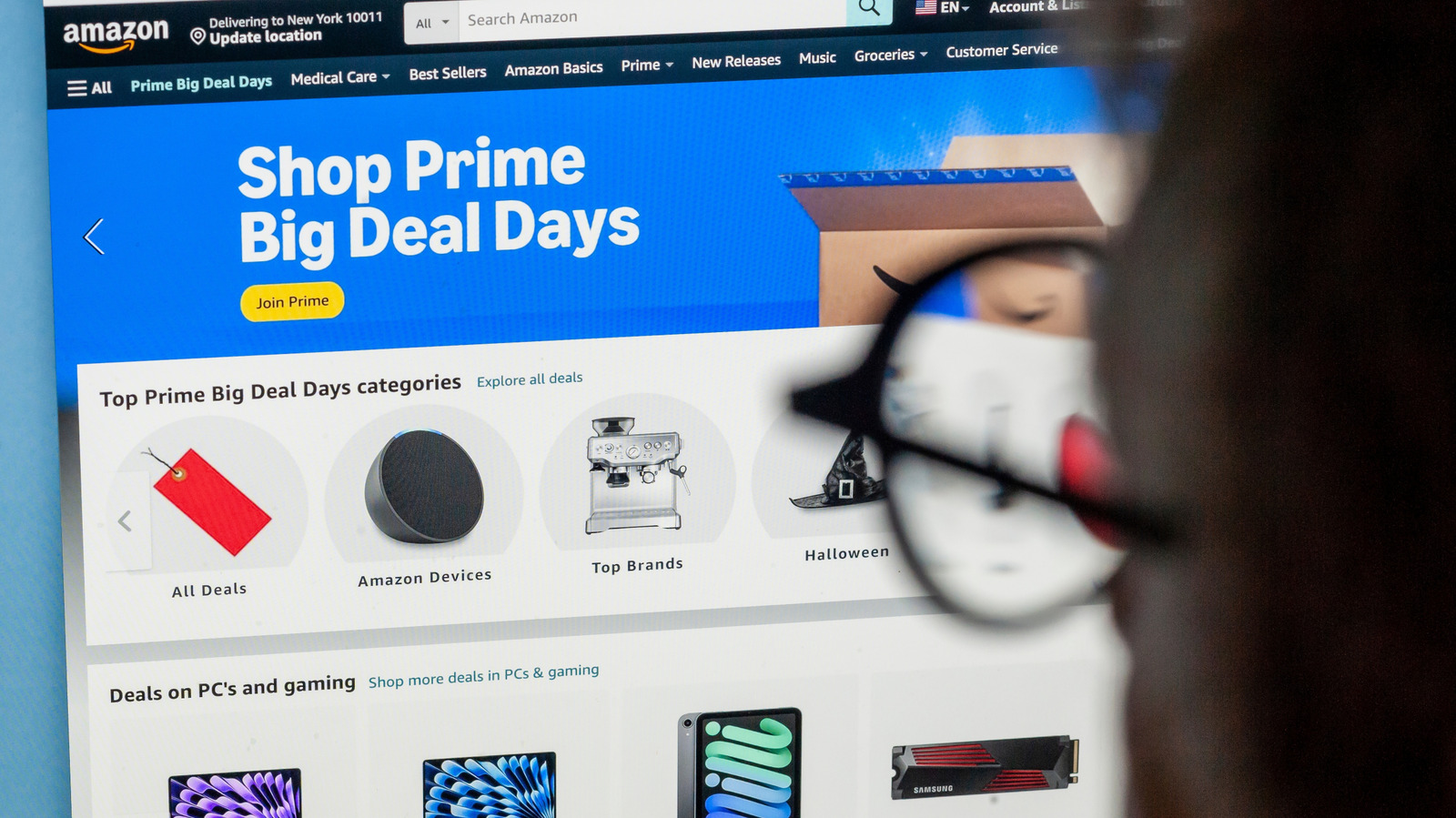
Alexa for Shopping can monitor prices and make purchases so you don’t have to.
To kick off your automated shopping series, start with Amazon's built-in Price History feature, a small blue button next to the item's price on a desktop.
Use the info you gather to set realistic price targets.
Setting up a $75 alert makes more sense than setting a $40 alert, unless you prefer a quiet alert history.
You don't need a Prime membership to browse around the site or even set up price alerts, but that's not the case for Auto Buy purchases.
5 sentences from our version of the report,
chosen to cover it. Nothing here is written; every line is in the article below.
How
Summarized version
Amazon's AI shopping assistant, Alexa for Shopping, will also answer questions about the product and its price history if you prefer to chat.
Headline check
The one thing this headline claims is in the report.
Figures, names and quoted words in the headline, looked for in the report itself — not in the summary above. One claim in this headline could be checked, so this is a narrow pass and not a thorough one. How this is checked
The article, shortened and in plain language
Alexa for Shopping can monitor prices and make purchases so you don’t have to.
In the age of AI, it should come as no surprise that Amazon's shopping tools can tell you when an item's price drops and, for eligible Prime members, automatically buy it when it reaches a pre-selected price. To kick off your automated shopping series, start with Amazon's built-in Price History feature, a small blue button next to the item's price on a desktop.
Amazon's AI shopping assistant, Alexa for Shopping, will also answer questions about the product and its price history if you prefer to chat. If Alexa for Shopping isn't your cup of tea, you can use a few third-party apps, like CamelCamelCamel or Keepa, to track Amazon pricing history and set price watches.
Use the info you gather to set realistic price targets. A good example would be an item that repeatedly drops to $75 but now costs $100. Setting up a $75 alert makes more sense than setting a $40 alert, unless you prefer a quiet alert history.
If you have Echo devices in your home, you're probably aware of the periodic price alerts Alexa announces. Open an Amazon listing and ask Alexa for Shopping to watch the item at a price you choose.
You don't need a Prime membership to browse around the site or even set up price alerts, but that's not the case for Auto Buy purchases.
Shortened to 1 minute
of reading, this version reads 13.3 on the Niral Score.
You are reading our version, not theirs.
This is Engadget's report shortened to its most important sentences, in plainer words, with
verdicts and loaded words taken out. Plain description stays, and so do adjectives
that carry a fact, such as "former" or "federal". The reporting, the facts and the quotations
are theirs — quotations are never edited — and the indicators beside it measure
this version. Hover or tap Adjectives to see every one left in the text.
How this outlet filed it, and how we rewrote it
No other newsroom we read has filed on this event, so there is nothing to compare it with yet.
Readers can ask a question about this story here.
Questions and answers are for subscribers.
Sign in
to read them.
Comments are read before they appear where anything in them needs a person to look.
Nothing posted here is ever deleted; a comment taken down keeps its text and the reason,
so the decision can be looked at again. How this works
 Engadget