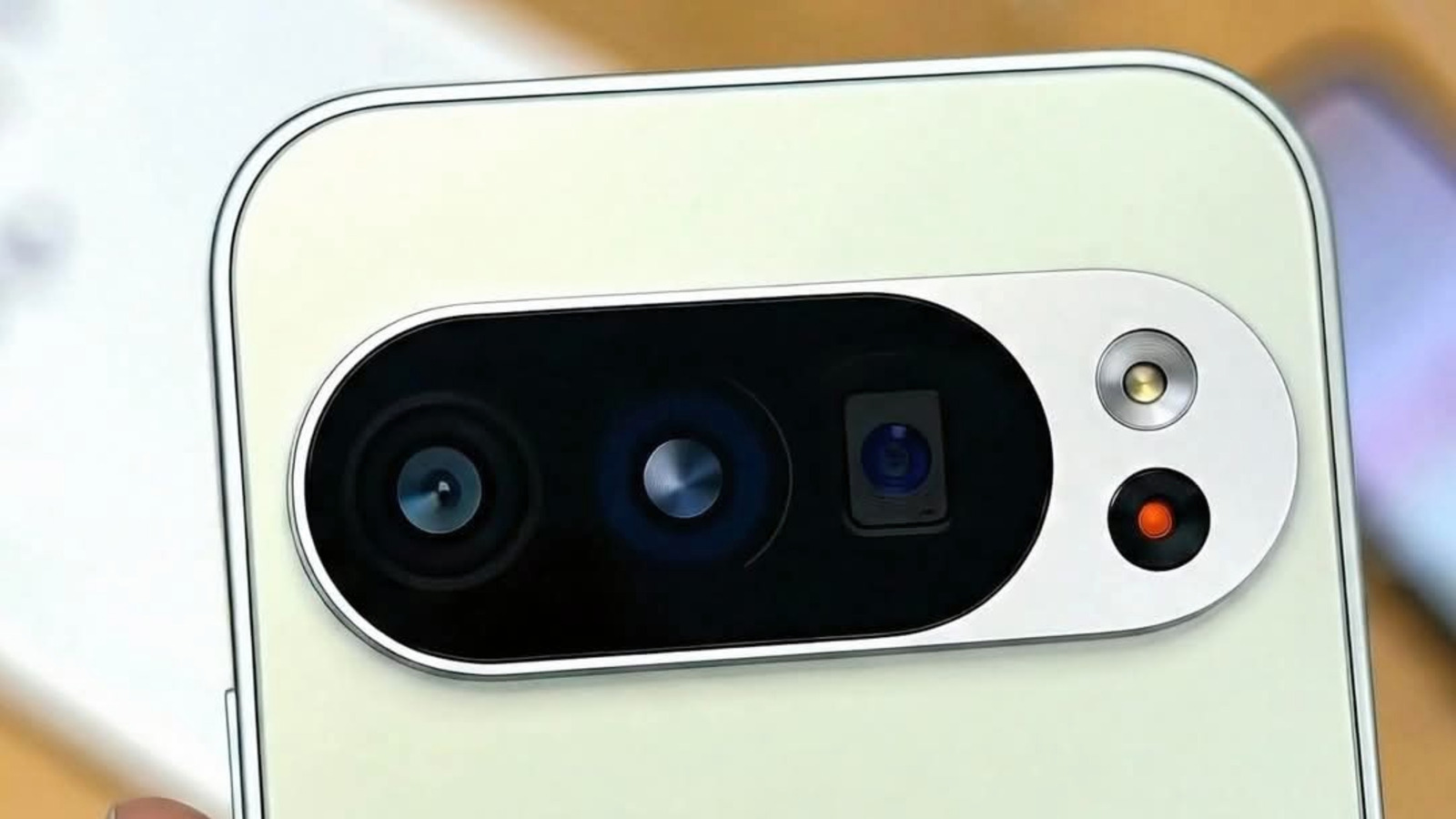
You can plug recent Pixel phones into a monitor to get a desktop-style interface.
Microsoft's short-lived Continuum feature for Windows 10 Mobile was discontinued in 2017.
After months of being in beta, the Android 16 March Pixel Drop update brought Android Desktop Mode to the Pixel 8 and up.
Your mileage with Android's Desktop Mode will depend on your use case.
Android Police's testing found that the phone turned hot to the touch in 30 minutes of light usage on Desktop Mode.
5 sentences from our version of the report,
chosen to cover it. Nothing here is written; every line is in the article below.
How
Headline check
Headline as published: How to use Android's Desktop mode to turn your phone into a tiny PC
The one thing this headline claims is in the report.
Figures, names and quoted words in the headline, looked for in the report itself — not in the summary above. One claim in this headline could be checked, so this is a narrow pass and not a thorough one. How this is checked
The article, shortened and in plain language
You can plug recent Pixel phones into a monitor to get a desktop-style interface.
For years, the idea of smartphones connected to a monitor offering a desktop experience has fascinated manufacturers, developers and consumers.
Companies took to software experiences in their attempts to grant desktop-grade functionality. Microsoft's short-lived Continuum feature for Windows 10 Mobile was discontinued in 2017. Samsung's DeX lets its Galaxy phones deliver a PC-like workspace with a taskbar, optimized apps and wireless connectivity.
After months of being in beta, the Android 16 March Pixel Drop update brought Android Desktop Mode to the Pixel 8 and up.
Connect your Pixel 8 or a newer Google phone to an external monitor with a high-speed USB-C cable, and a pop-up will prompt you to switch to Android Desktop Mode or use it as a mirror.
If you disconnect your phone from your setup and reconnect it, Desktop Mode preserves your active window layout to help you resume where you left things if you didn't already close them on your phone.
Your mileage with Android's Desktop Mode will depend on your use case.
Right now, your phone won't run Chrome extensions in Desktop Mode, even if they can run on Apple Silicon or Windows on ARM devices.
Android Police's testing found that the phone turned hot to the touch in 30 minutes of light usage on Desktop Mode.
Shortened to 1 minute
of reading, this version reads 10.5 on the Niral Score.
You are reading our version, not theirs.
This is Engadget's report shortened to its most important sentences, in plainer words, with
verdicts and loaded words taken out. Plain description stays, and so do adjectives
that carry a fact, such as "former" or "federal". The reporting, the facts and the quotations
are theirs — quotations are never edited — and the indicators beside it measure
this version. Hover or tap Adjectives to see every one left in the text.
How this outlet filed it, and how we rewrote it
No other newsroom we read has filed on this event, so there is nothing to compare it with yet.
Readers can ask a question about this story here.
Questions and answers are for subscribers.
Sign in
to read them.
Comments are read before they appear where anything in them needs a person to look.
Nothing posted here is ever deleted; a comment taken down keeps its text and the reason,
so the decision can be looked at again. How this works
 Engadget