
Subscribe Sign in

How to use Xbox mode on your Windows PC

Engadget
1 min read Rewritten in plain language

Pc Gaming

Show what we removed Rules applied: A3×5 D2×6 D3×12 E3×39 F2×7 all 30 rules
  • Xbox mode doesn't reinvent the PC gaming experience, but it has a few nice touches.
  • One of the biggest new additions to Windows 11 is Xbox mode.
  • Xbox mode started landing on Windows 11 PCs in May, so everyone who regularly installs updates should have it by now.
  • You can also use Win + G to open the Game Bar, click the gear icon in the bar centered at the top of the screen, then choose Enter Xbox mode.
  • What Xbox mode does is get the most computer-y parts of Windows out of the way, replacing them with a full-screen experience dedicated to gaming that's friendly to use with either a controller or keyboard and mouse.

5 sentences from our version of the report, chosen to cover it. Nothing here is written; every line is in the article below. How

Headline check

All two things this headline claims are in the report.

Figures, names and quoted words in the headline, looked for in the report itself — not in the summary above. How this is checked

Xbox mode doesn't reinvent the PC gaming experience, but it has a few nice touches.

2026 is the year when Microsoft seemed to notice how nightmarish of an experience Windows 11 has become. Windows 11 has received updates to make it suck less and even new features to help it feel fresh.

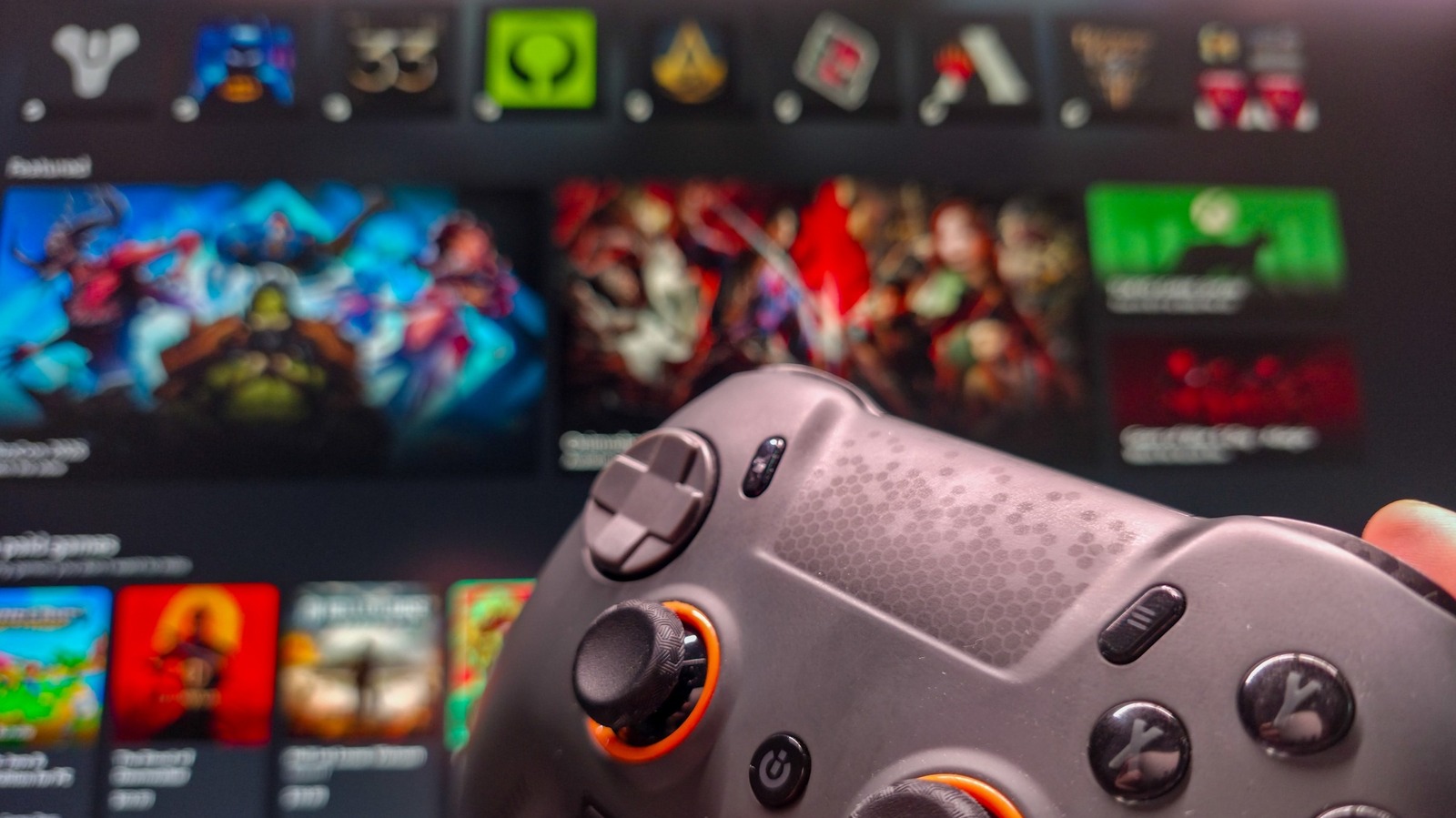
One of the biggest new additions to Windows 11 is Xbox mode. When you activate Xbox mode on a PC, Windows ditches the taskbar and adopts a controller-friendly layout, dropping you into a redesigned Xbox app with all your game libraries loaded up.

Xbox mode started landing on Windows 11 PCs in May, so everyone who regularly installs updates should have it by now.

The first step to using Windows 11's Xbox mode is to ensure that it's turned on, which it may not be by default.

If you want quicker access to Xbox mode from the desktop, also enable Show Xbox mode in Task View.

You can also use Win + G to open the Game Bar, click the gear icon in the bar centered at the top of the screen, then choose Enter Xbox mode. Lastly, if you enabled the Task View option above, press Win + Tab and you'll see a Xbox mode shortcut to the right of your open desktops at the bottom of the screen.

What Xbox mode does is get the most computer-y parts of Windows out of the way, replacing them with a full-screen experience dedicated to gaming that's friendly to use with either a controller or keyboard and mouse.

Shortened to 1 minute of reading, this version reads 15.9 on the Niral Score.

You are reading our version, not theirs. This is Engadget's report shortened to its most important sentences, in plainer words, with verdicts and loaded words taken out. Plain description stays, and so do adjectives that carry a fact, such as "former" or "federal". The reporting, the facts and the quotations are theirs — quotations are never edited — and the indicators beside it measure this version. Hover or tap Adjectives to see every one left in the text.

How outlets headlined it

Each outlet's own headline. Struck through: the loaded words our version leaves out. Plainest first.

  • Engadget How to use Xbox mode on your Windows PC plain
  • Engadget How to use an iPad as a second screen for your Mac or Windows PC plain

How each outlet filed it

Outlet Niral ScoreAdjectivesSourcingSentimentHappiness
Engadgetas they published this story 19.9 16 0 0 37.5
Engadget 15 11 8 -0.2 51.9
Mundane Readneutralized from Engadget 13.3 11 8 -0.2 51.9

Sign in to react.

Comments

Nothing here yet.

Sign in to comment.

Questions

Readers can ask a question about this story here. Questions and answers are for subscribers. Sign in to read them.

Comments are read before they appear where anything in them needs a person to look. Nothing posted here is ever deleted; a comment taken down keeps its text and the reason, so the decision can be looked at again. How this works

The same event elsewhere

1 other outlet filed this story. The scoreboard above is what they did differently.